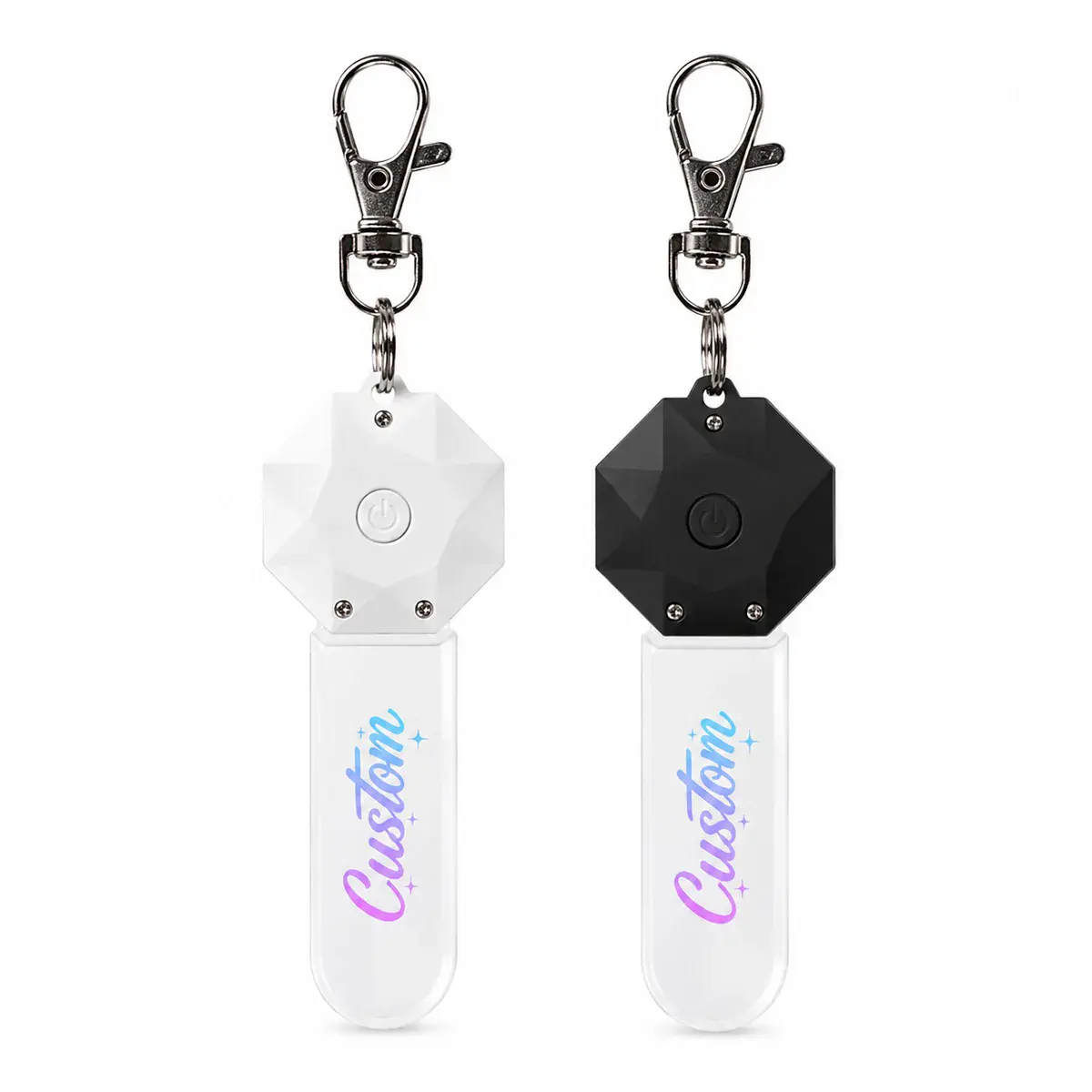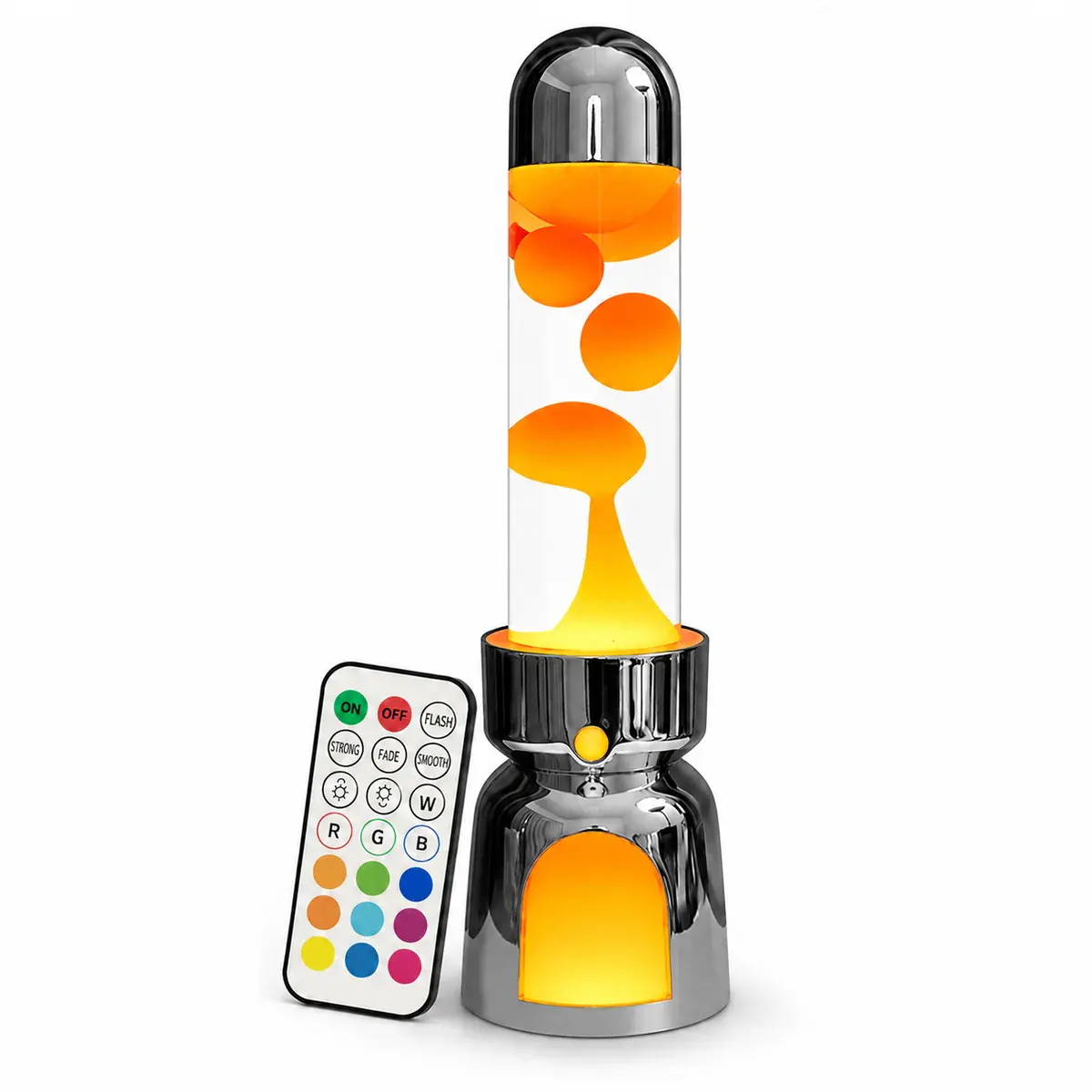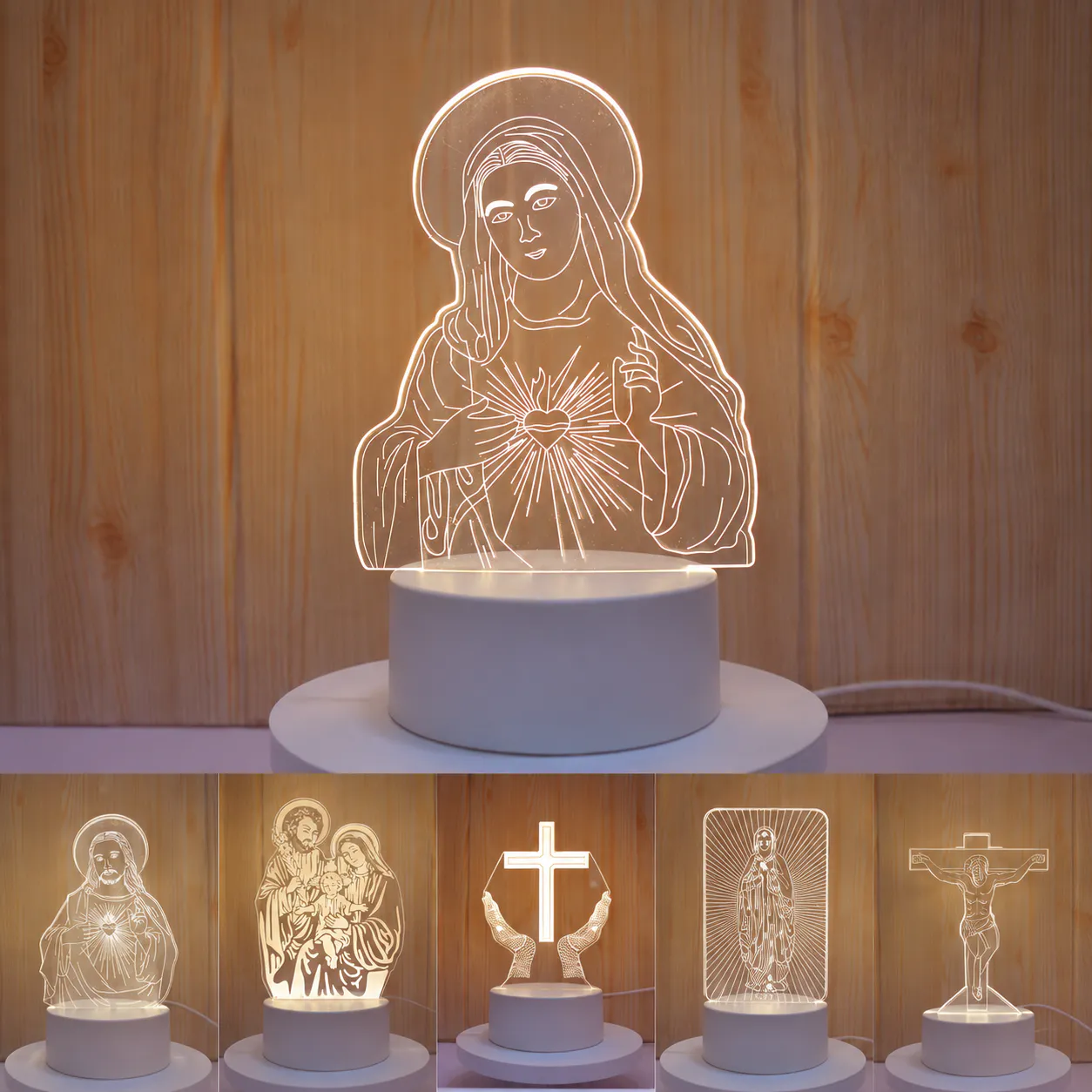
Laser engraving and UV printing produce different products even when they use the same acrylic outline and LED base. Choose the decoration method around the artwork and the intended retail effect, not simply the number of colors in the file.
Engraving turns lines and texture into light
An engraved mark scatters light from the panel. It suits names, logos, line art, diagrams and simplified illustrations where the glowing structure is the main feature. Line weight, spacing and engraved area influence readability. Very dense detail can merge visually when illuminated.
UV printing carries image color
UV printing can reproduce colored graphics, gradients and photographic elements on the acrylic surface. Printed color is visible because of ink, while the LED edge light adds a separate visual layer. The result depends on the file, white-ink strategy, viewing face, material and selected light color.
| Question | Laser engraving | UV printing |
|---|---|---|
| Best starting artwork | Logos, text and controlled line art | Color illustrations, characters and image-led graphics |
| Main effect | Marked detail catches the edge light | Printed image provides color with added illumination |
| File preparation | Vector lines and clear engraving layers | High-resolution color file plus print layers |
| Surface consideration | Engraved texture on the selected face | Printed surface needs handling and packing protection |
| Sample focus | Line clarity and glow balance | Color, opacity, registration and light interaction |
A hybrid design may use both
Some concepts combine a printed main image with engraved names, outlines or accents. The file should show the two processes separately and identify the viewing direction. More processes also add alignment and sample decisions, so use them only where they improve the product story.
Match the LEDs to the decoration
Warm white can support a clean engraved gift, while a 7-color or RGB program can add novelty to simplified line art. Strong colored light may change how printed colors appear. Review the artwork under the intended light modes, including any static mode expected for product photography or retail display.
Protect the chosen surface
Keep protective film and cleaning instructions consistent with the finished process. Printed faces should not rub against cables, bases or hard inserts in transit. Any consumer-facing care statement should reflect the approved ink, acrylic and surface direction rather than a generic material claim.
Decoration decision
- Is the design driven by glowing lines or full image color?
- Will the customer personalize text or replace complete artwork?
- Which face is viewed and which face is decorated?
- How does the chosen light program affect the design?
- Does the package protect the finished surface?
- Is one process enough, or does a hybrid add clear value?
Compare current formats in the acrylic night lights category and prepare the source file with the artwork guide.
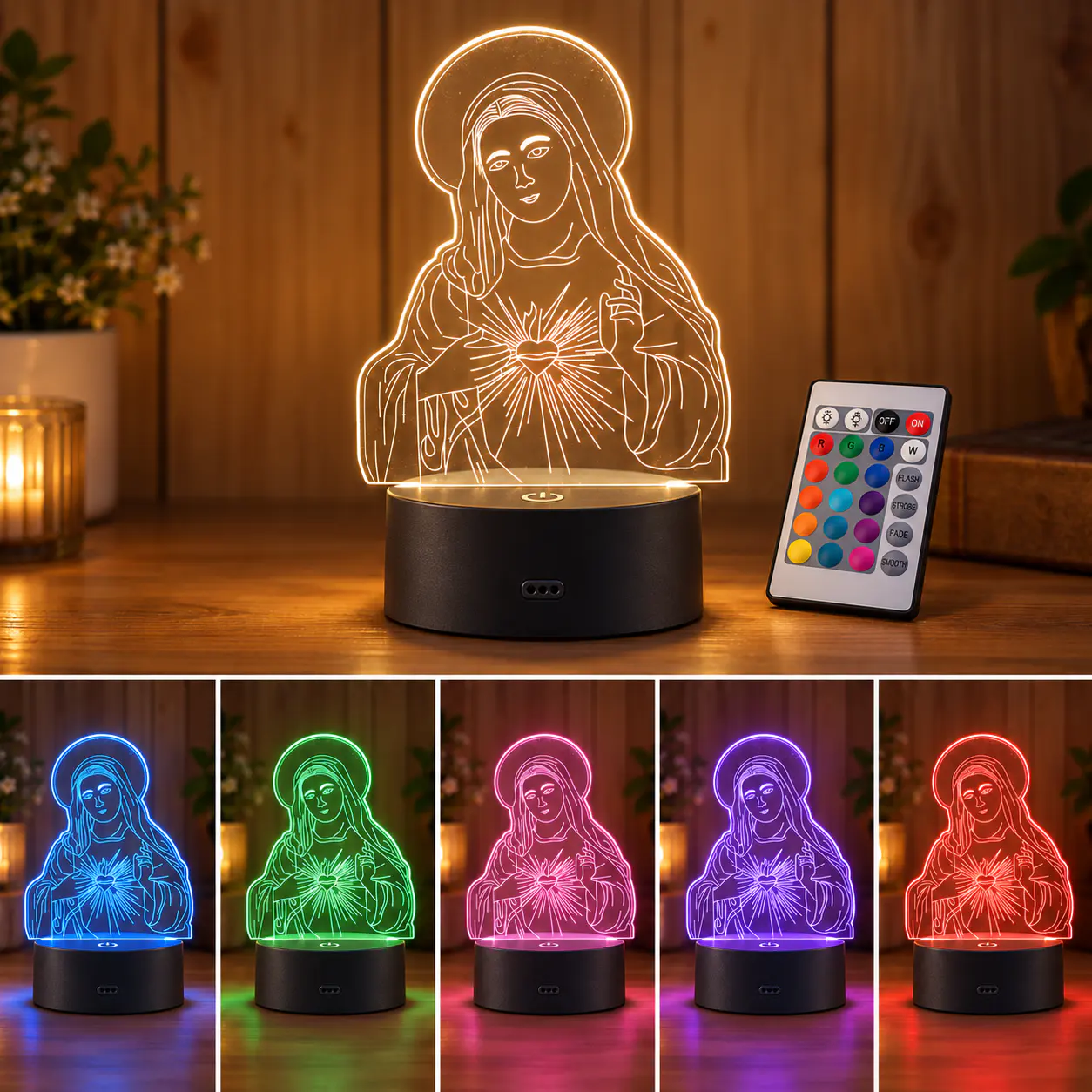 RGB Acrylic 3D Illusion Night Light
 Rechargeable 7-Color Acrylic LED Desk Sign
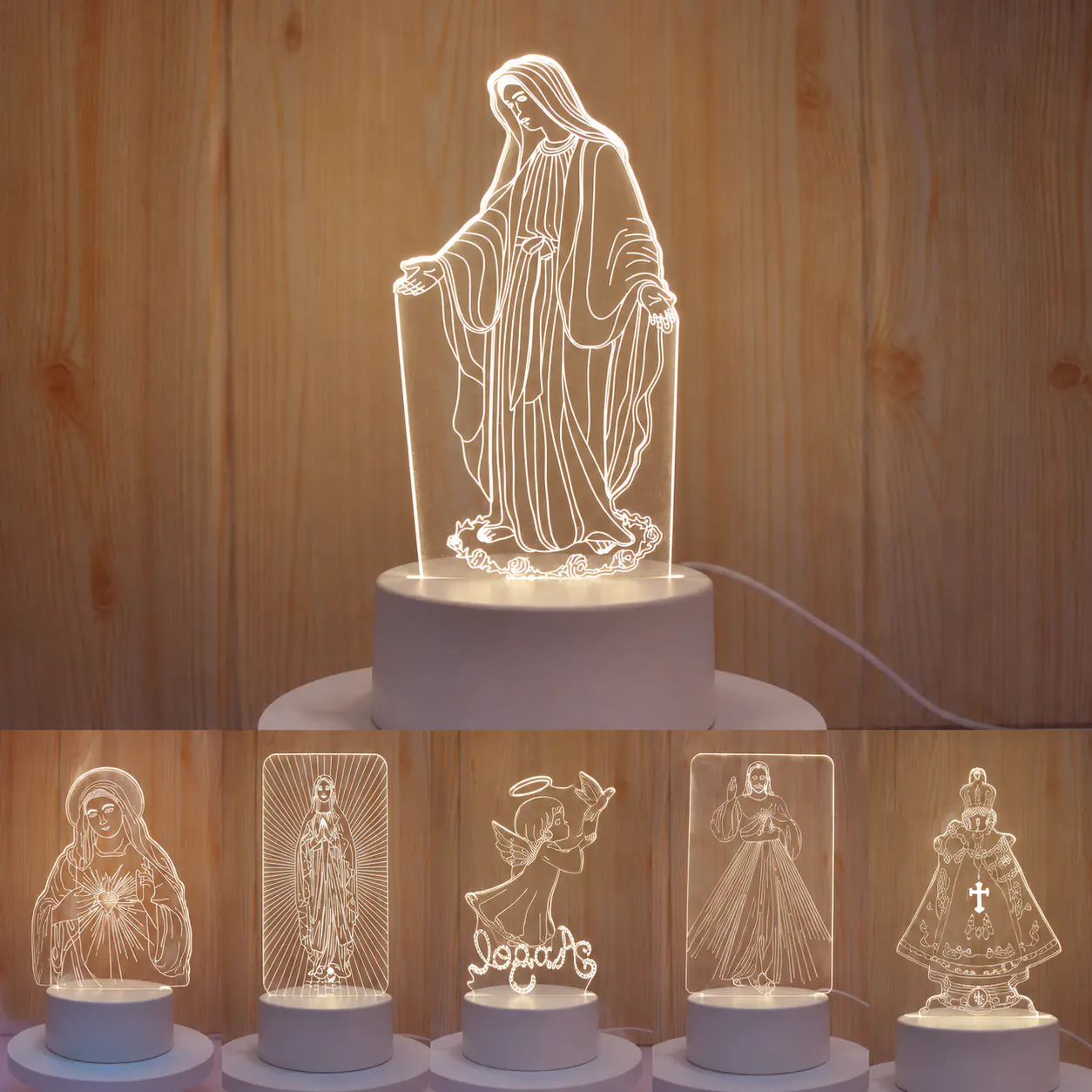 Warm White Acrylic 3D Illusion Night Light
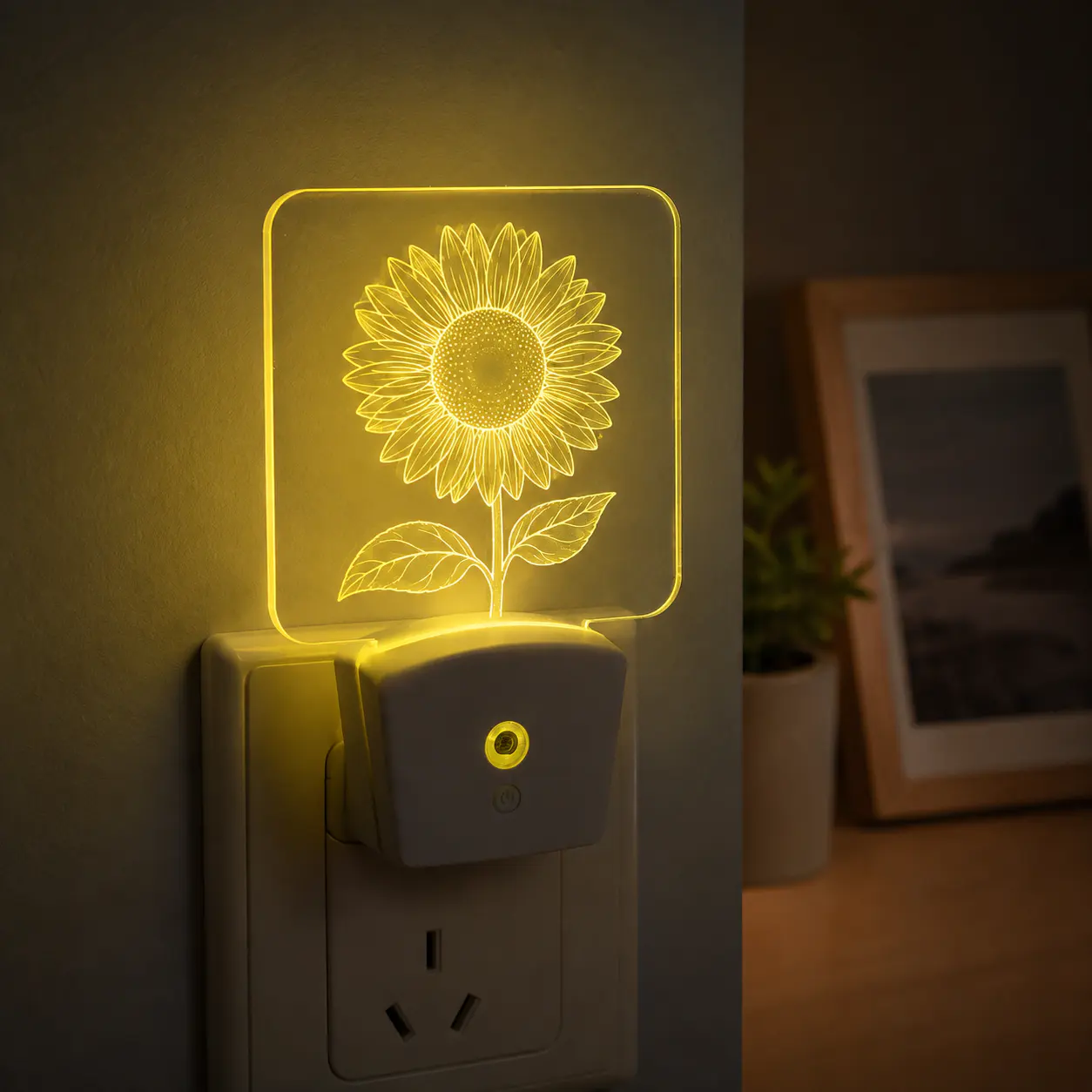 RGB Plug-In Acrylic Night Light