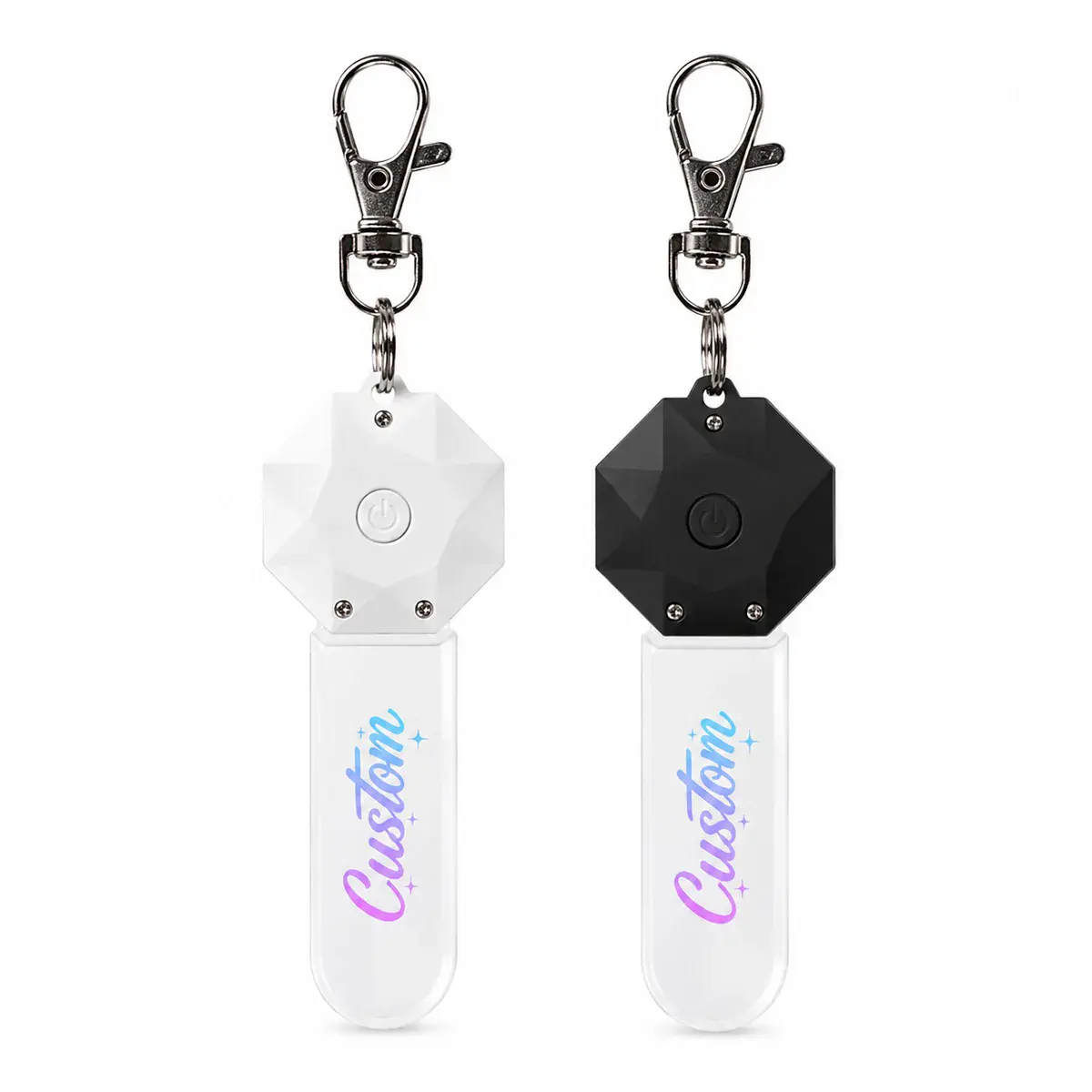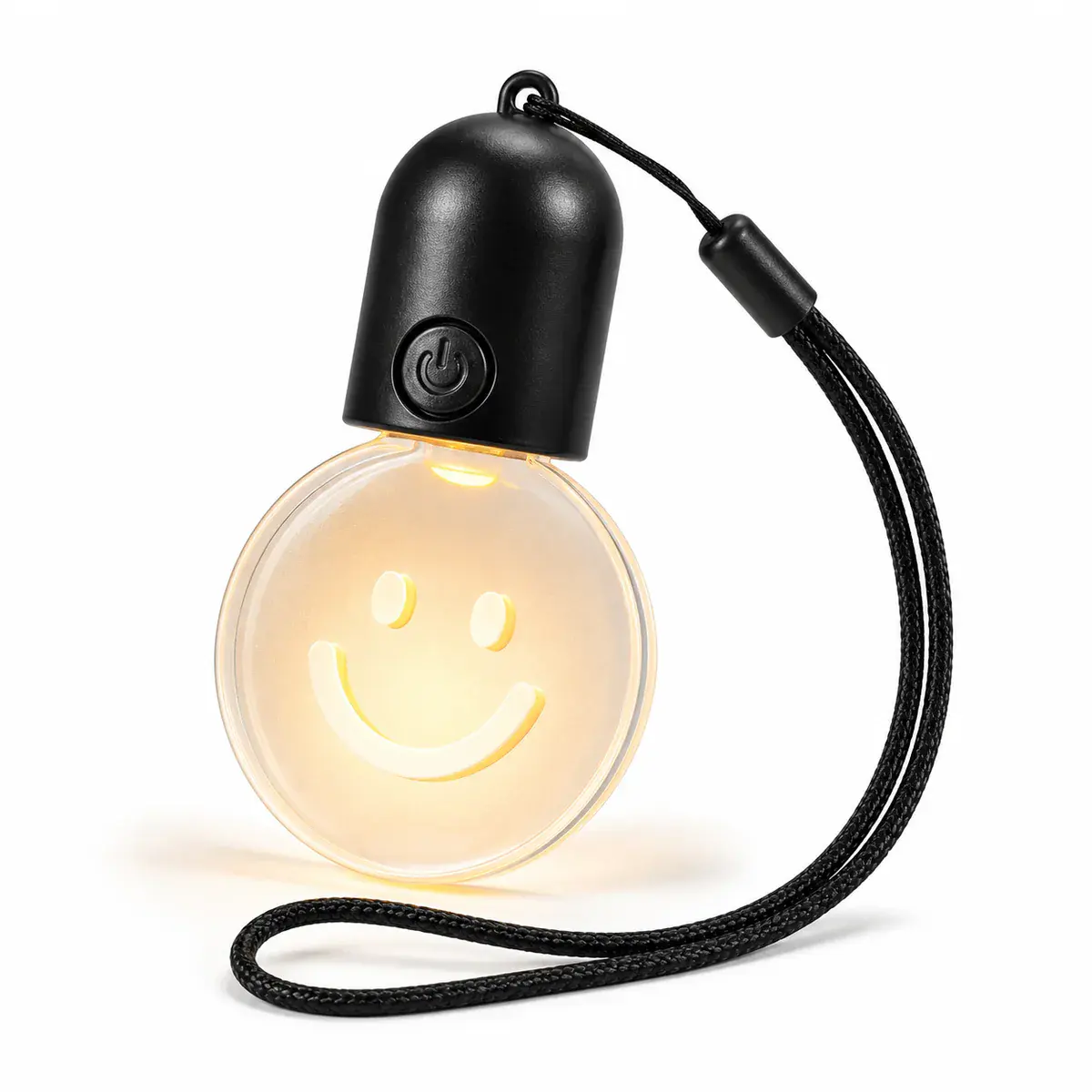
Prepare outlines, logos, cut lines, engraving zones and print layers for a custom-shape illuminated keychain. Use the Light-Up Keychainscollection as a starting point, then confirm the exact model and requested changes before quotation.
Decisions to make before requesting a quote
| Decision | What to define |
|---|---|
| Outer cut line | Provide a closed outline with minimum radii suitable for review and handling. |
| Attachment point | Leave enough material around the hole or fitting and confirm the top orientation. |
| Artwork layers | Separate engraving, print, opaque and illuminated areas. |
| Scale | Check minimum text and line detail at final dimensions, not on an enlarged monitor view. |
The outline is part of the product
A narrow corner or attachment bridge can be visually attractive but unsuitable for repeated handling. Keep the key ring, housing, battery area and light path in mind when defining the shape.
Use a physical-size artwork proof
Print the outline at 100 percent scale and hold it next to a real key set or bag fitting. This simple check reveals text that is too small, artwork that crowds the edge and shapes that are awkward to carry.
Information to include in the brief
- Vector outer cut line and top direction
- Attachment-hole location and clearance
- Separate engraving and print layers
- Color references and illuminated zones
- 100-percent-scale approval file
Keep the approved product, artwork, power arrangement, accessories and packaging in one version-controlled brief. If a requested change affects dimensions, tooling, electronics, materials or performance, treat it as an engineering assess rather than assuming it belongs to the standard model.