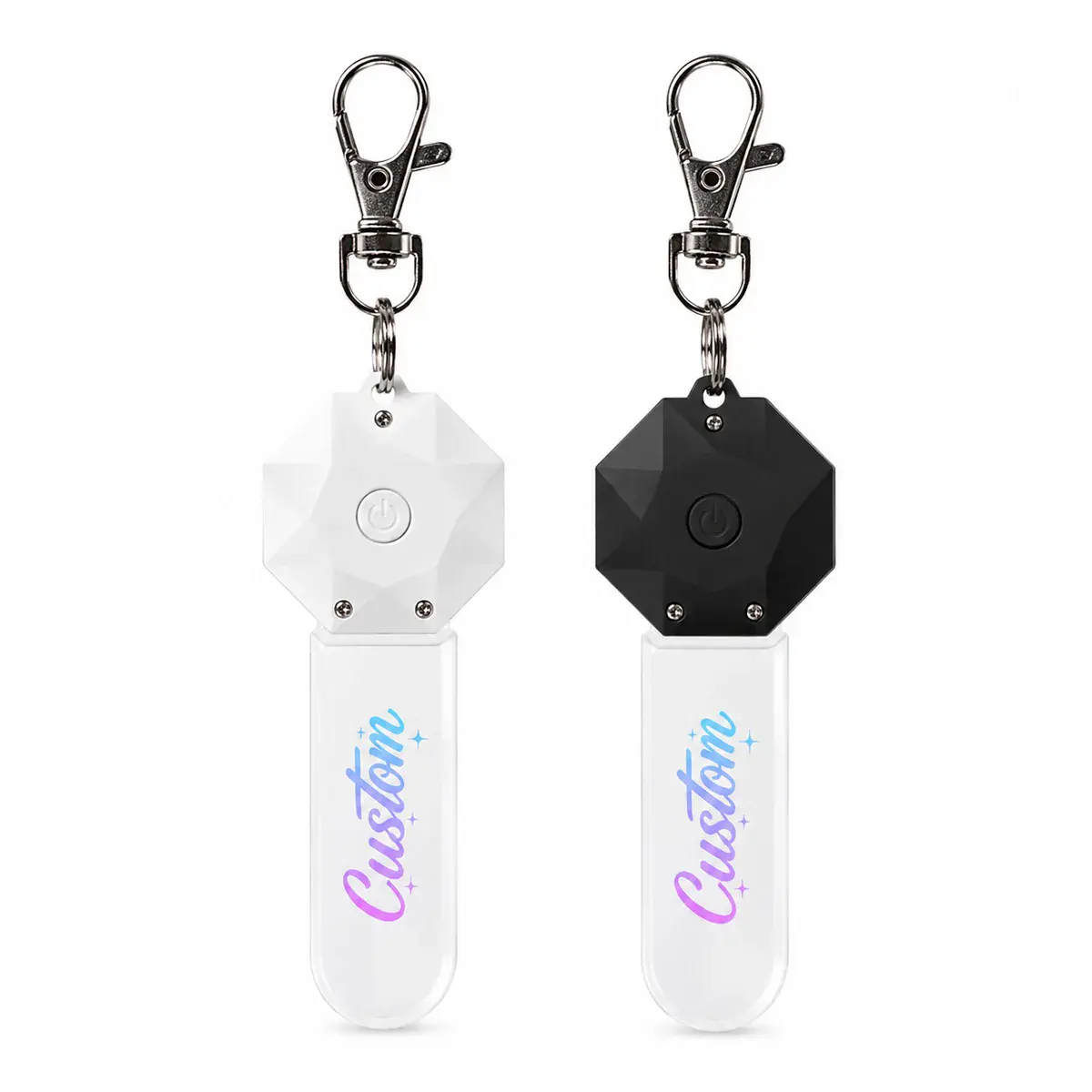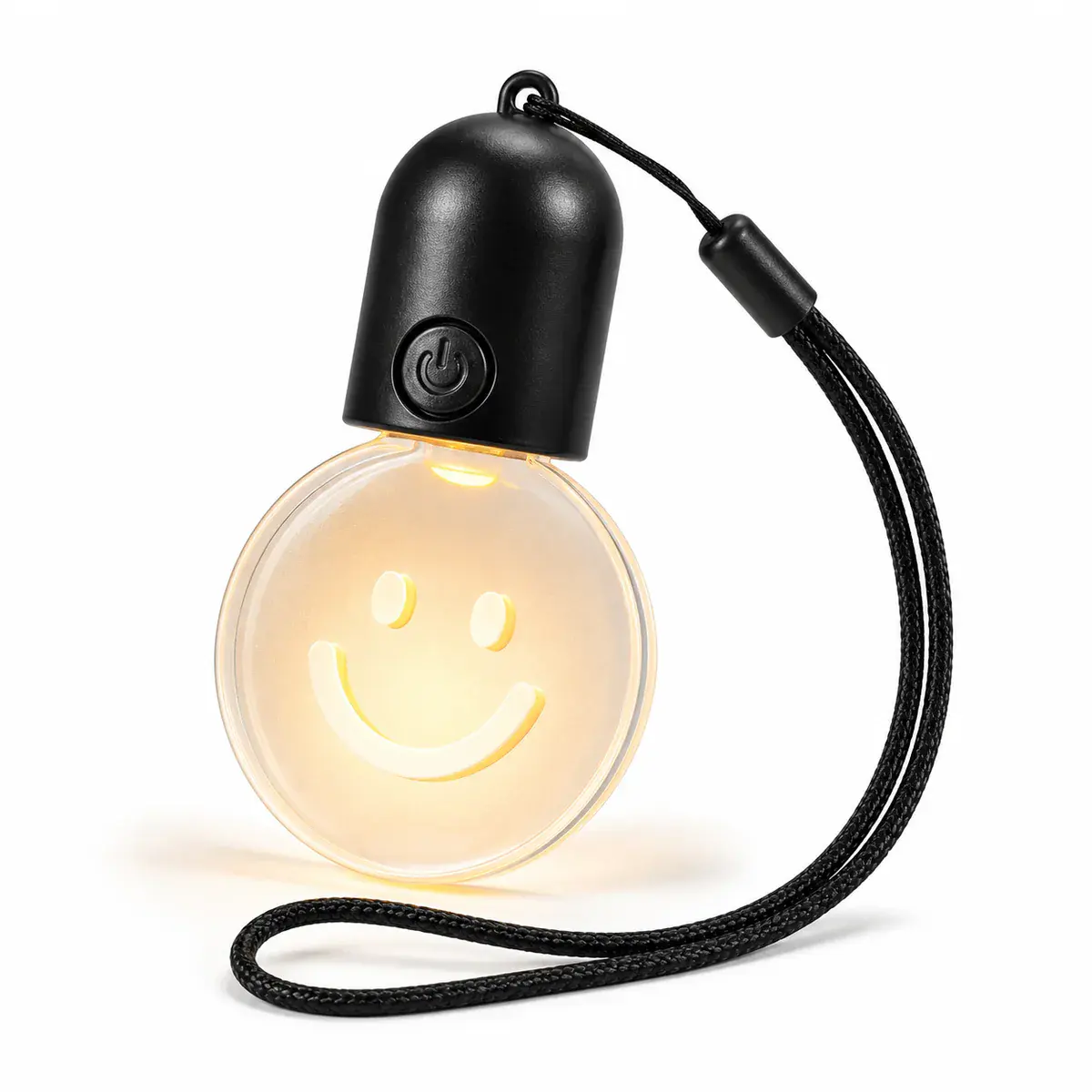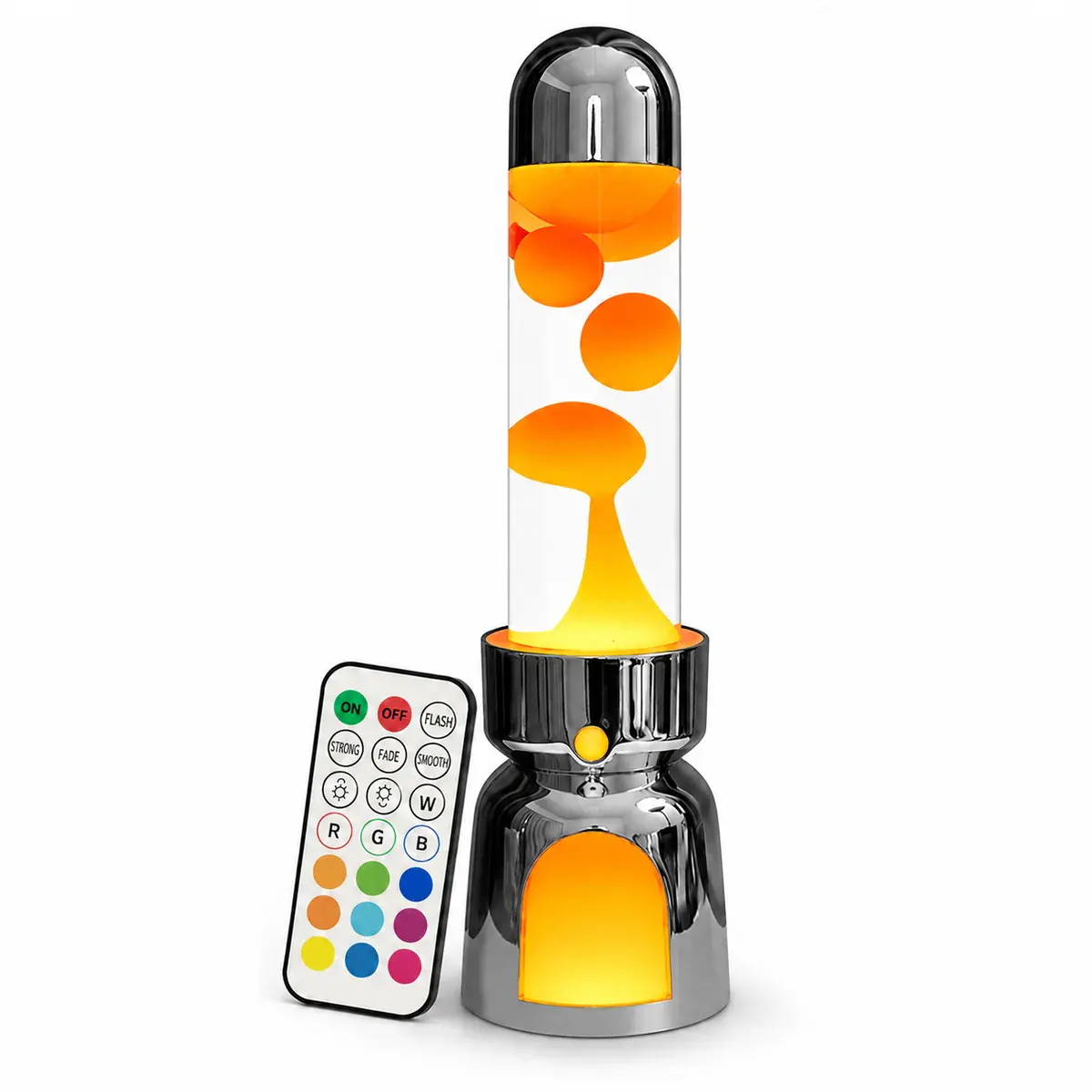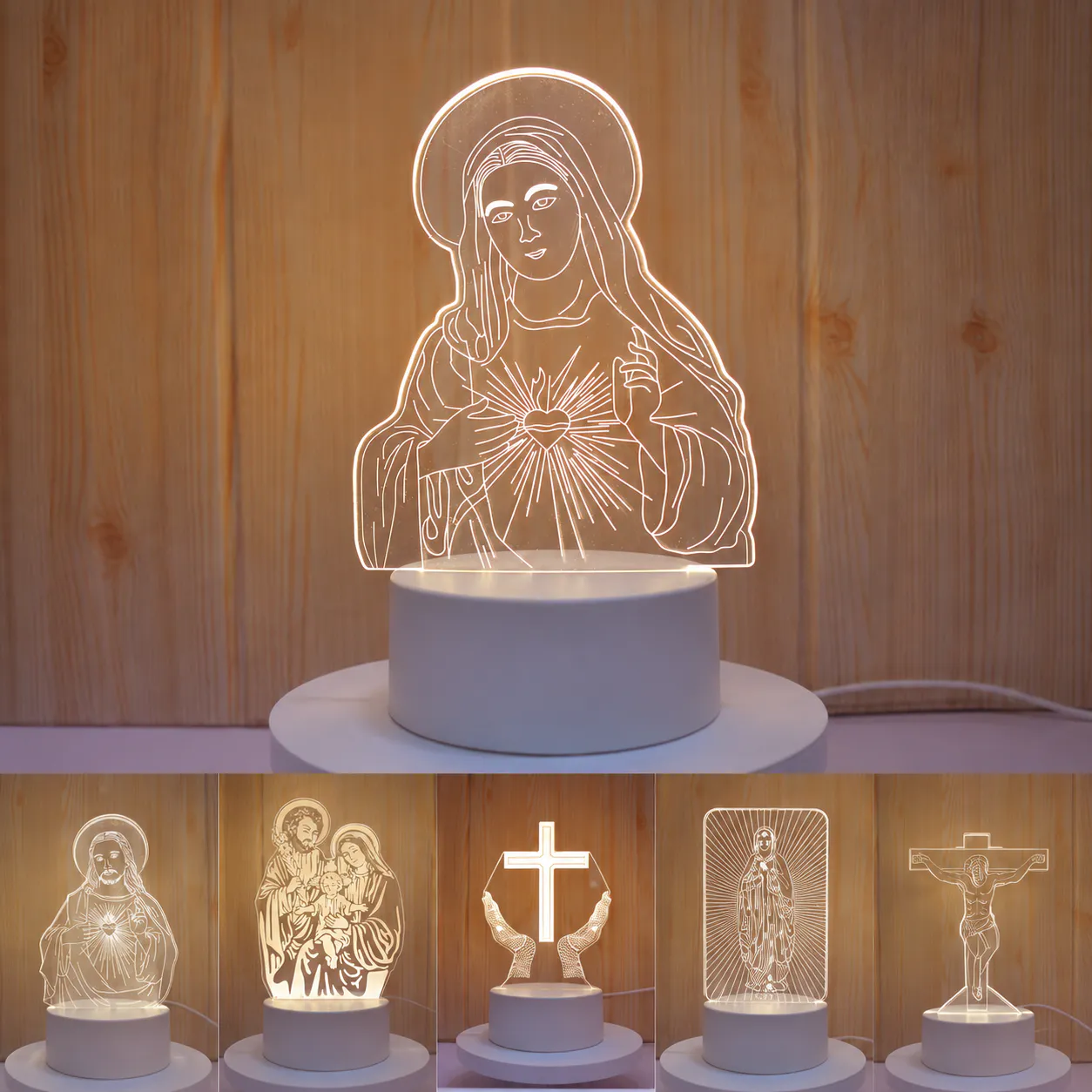
Good screen artwork is not automatically good illuminated artwork. Thin lines, small text and large filled areas react differently when the light enters through the acrylic edge. A useful file also needs to account for the panel outline and the section hidden inside the base.
Send an editable master where possible
Vector files such as AI, EPS, SVG or editable PDF are useful for line work, logos and cut outlines. Keep text converted to outlines or include the required font files. For photographs or complex printed graphics, send the original high-resolution image rather than a screenshot taken from a message or website.
Separate cut, engraving and print information
Use clearly named layers or colors for the outer cut line, engraved lines, printed areas and any no-mark zone. Mark the finished dimensions and identify which face is intended to be viewed. If the same artwork will be produced in several names or designs, provide a clean naming list and a controlled master template.
| Artwork element | Helpful preparation | Common problem |
|---|---|---|
| Outer shape | Closed vector path with finished dimensions | Unclear scale or open paths |
| Engraved detail | Clean lines with a reviewed minimum weight | Fine detail disappearing or merging |
| Text | Outlined type at the intended physical size | Missing fonts or unreadably small letters |
| Printed image | Original high-resolution image and color reference | Compressed screenshot or unknown profile |
| Base area | Marked insertion and hidden zones | Important artwork covered by the slot |
Plan for the part inside the base
The lower edge carries light into the panel and may extend below the visible top of the base. Keep key words, faces and logos outside the insertion and cover zones. The bottom geometry should match the actual slot and insertion depth; do not copy it from a different base without checking the drawing.
Simplify for a cleaner glow
Engraved lines and textures scatter light. When too many illuminated elements overlap, the result can look crowded and some sections may appear brighter than others. Establish a visual hierarchy: one main subject, supporting detail and enough clear acrylic around them. A reduced proof at the actual physical size is useful before sampling.
Use a proof and a physical sample for different jobs
A digital proof confirms spelling, layout, dimensions and layer use. A physical sample confirms line appearance, edge lighting, print color, visible scratches, base fit and the effect under the selected LEDs. Record the approved artwork revision so later files do not silently replace it.
Artwork handoff
- Editable master and preview PDF or PNG
- Finished width, height and orientation
- Separate cut, engraving and print layers
- Text converted to outlines
- Insertion and hidden areas marked
- Color reference for printed elements
- Design or name list with unique identifiers
- Revision number and approval contact
Start with the acrylic night light collection and pair this file guide with the complete buying guide.
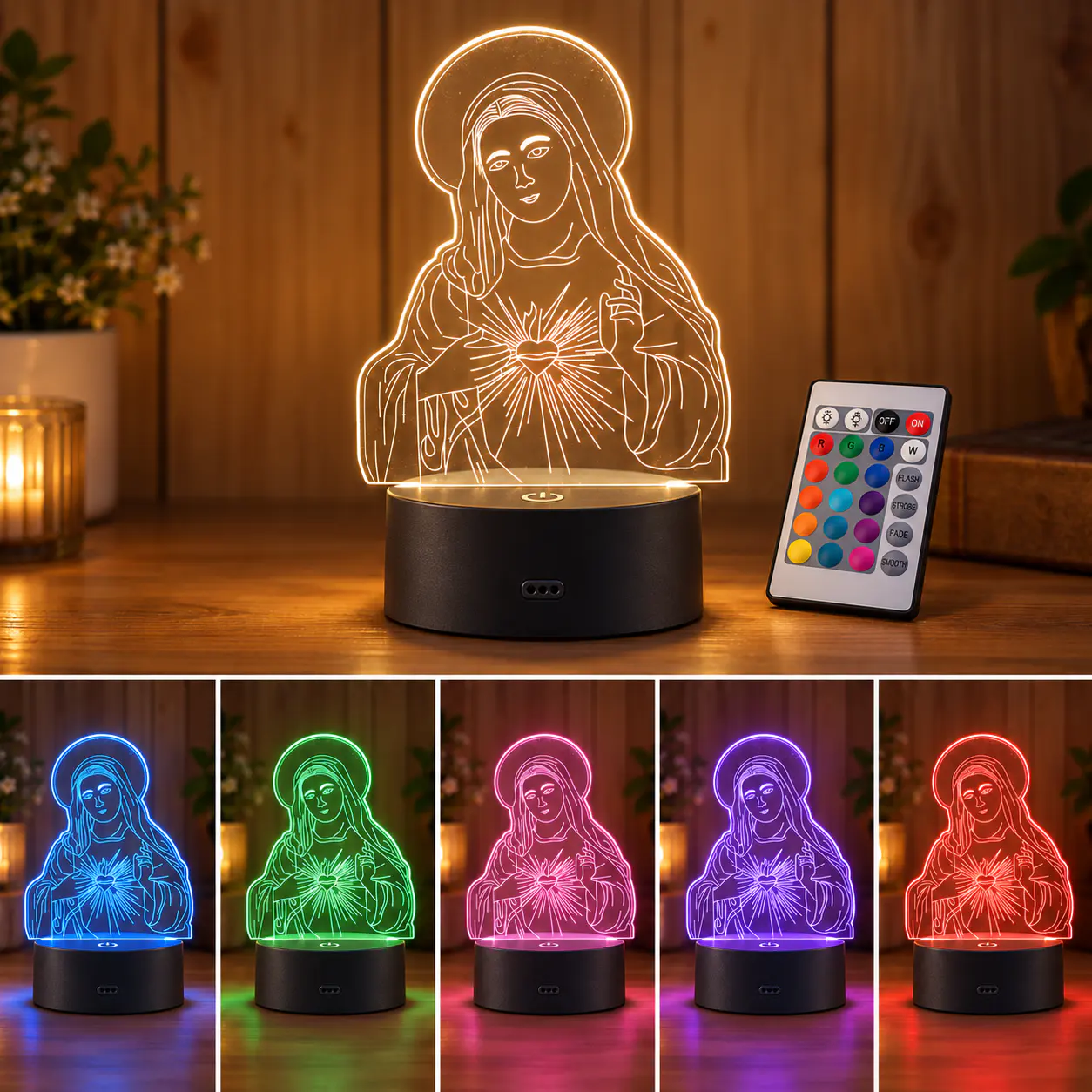 RGB Acrylic 3D Illusion Night Light
 Rechargeable 7-Color Acrylic LED Desk Sign
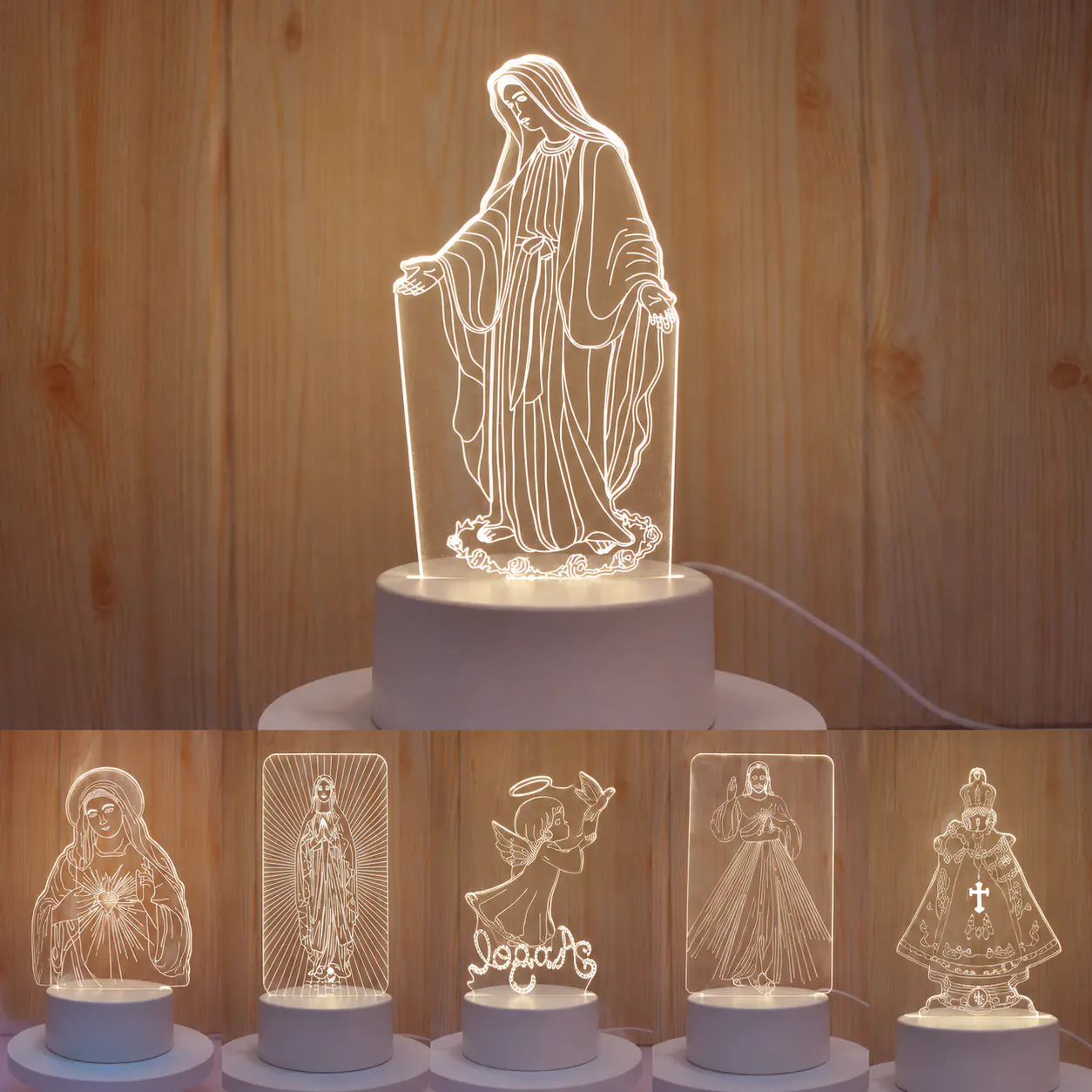 Warm White Acrylic 3D Illusion Night Light
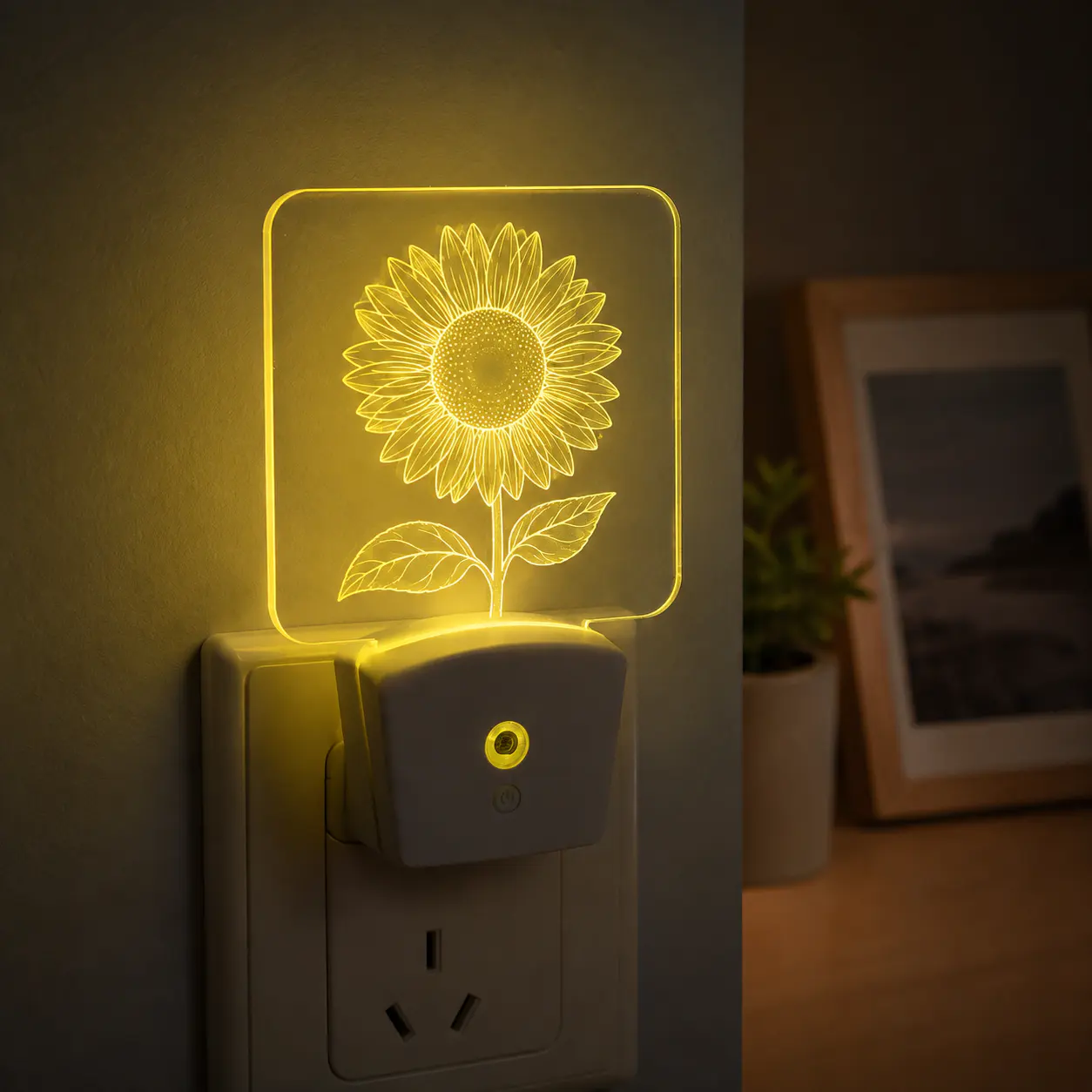 RGB Plug-In Acrylic Night Light