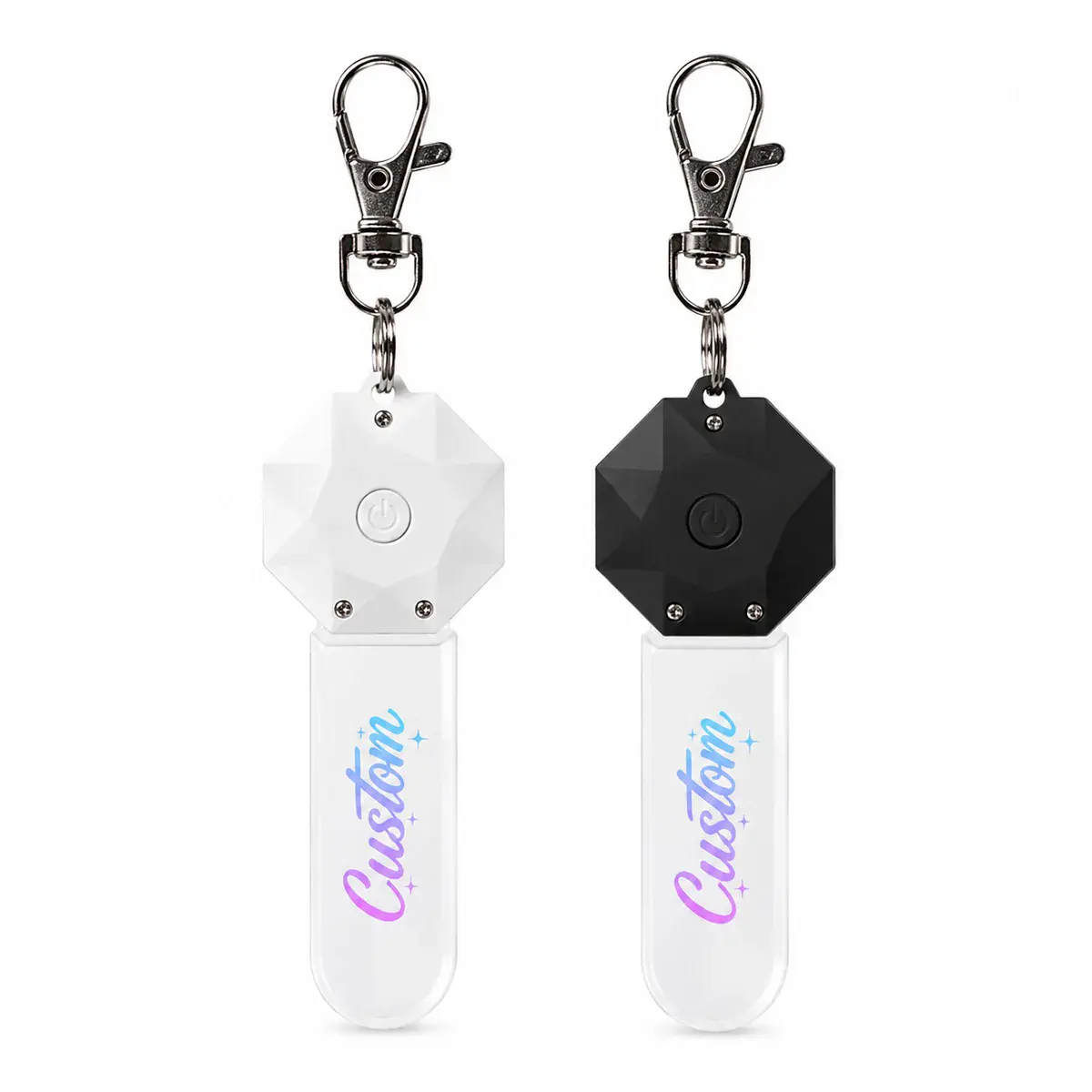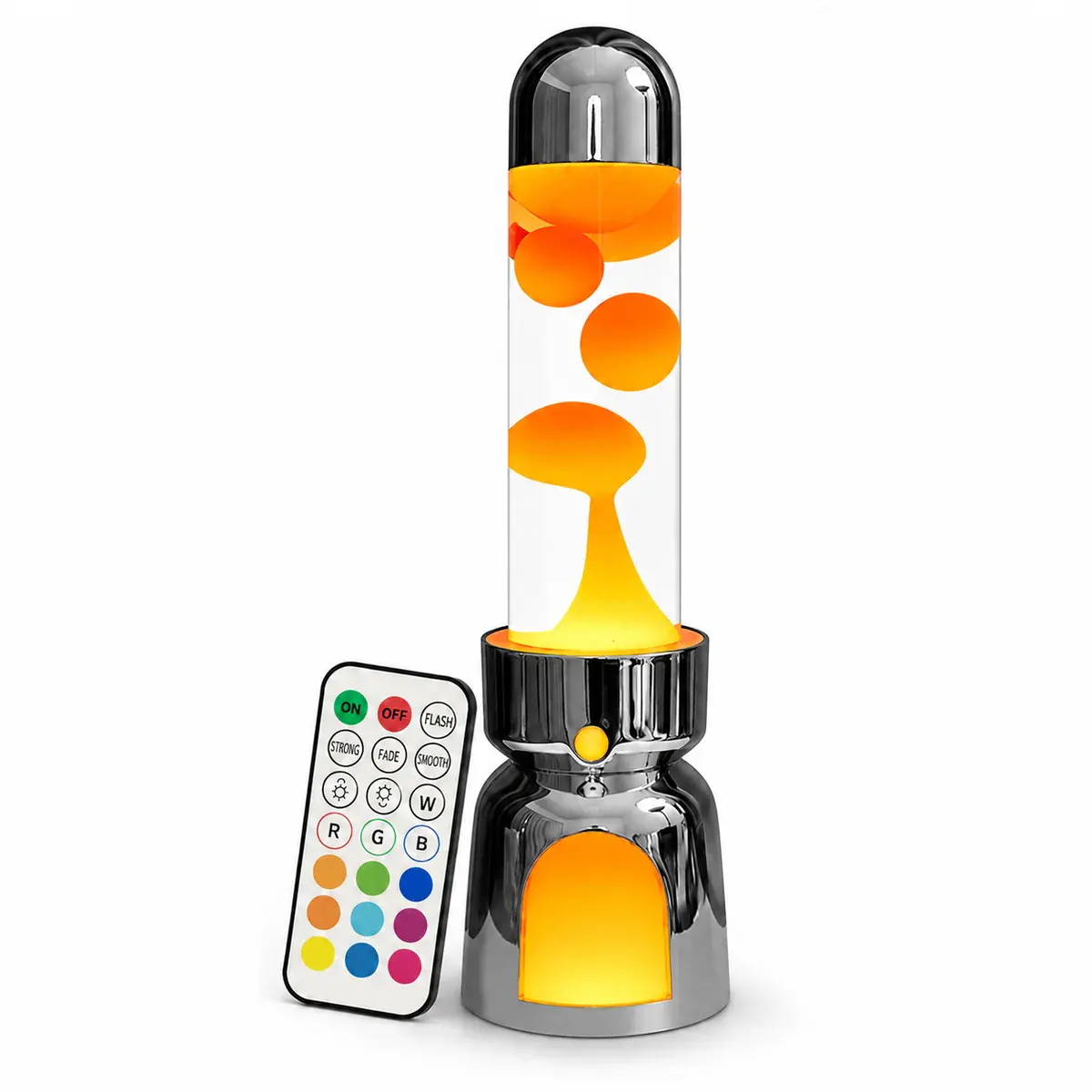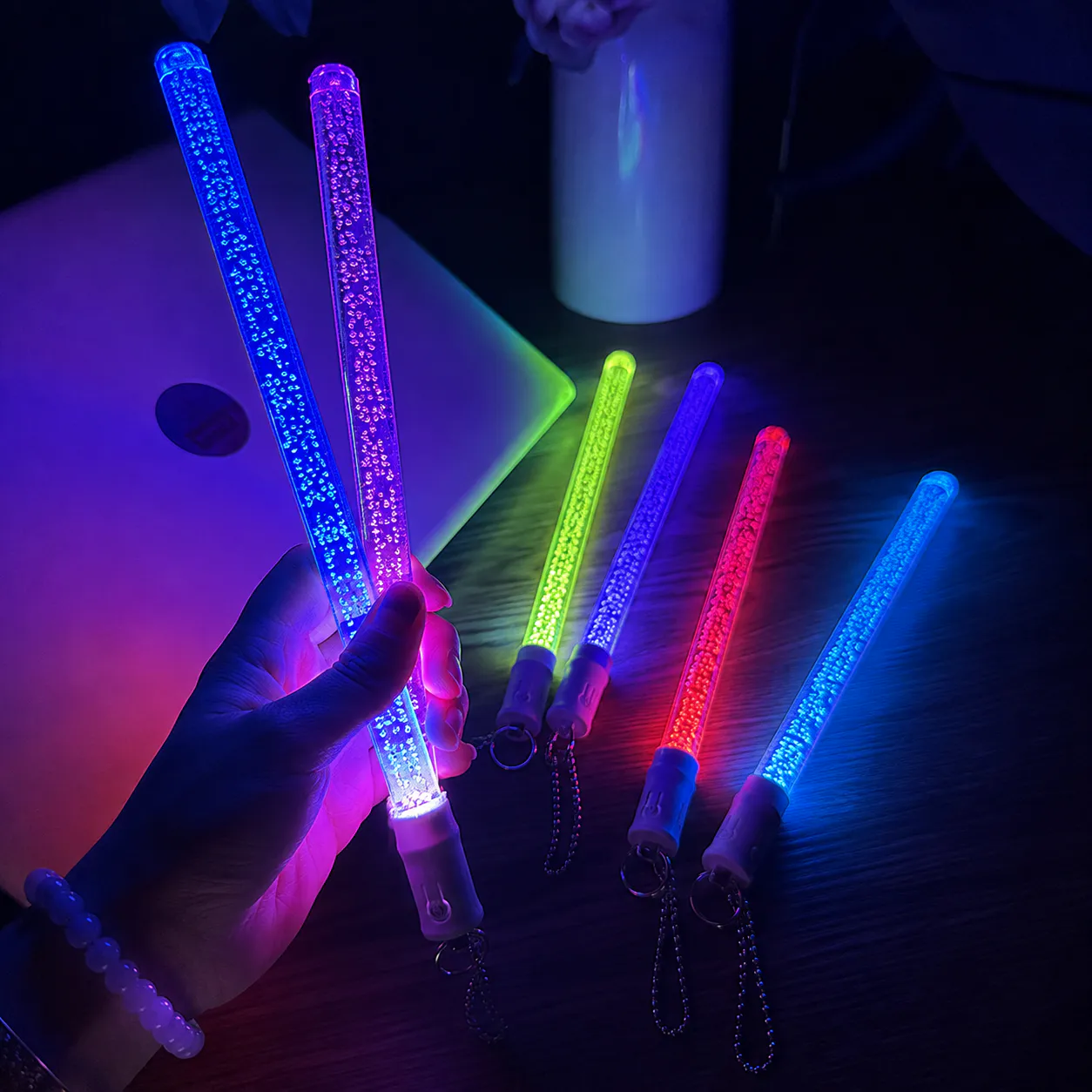
Choose engraving, printing or a combined treatment for logos, names and color graphics on illuminated acrylic gifts. Use the Light-Up Acrylic Giftscollection as a starting point, then confirm the exact model and requested changes before quotation.
Decisions to make before requesting a quote
| Decision | What to define |
|---|---|
| Visual goal | Define glowing line work, full-color graphic, opaque area or a layered combination. |
| Artwork | Separate engraving paths, print layers, white backing and cut line. |
| Registration | Set tolerances and safe margins where print must align with engraved or cut features. |
| Durability | Confirm which surface carries the decoration and how it is protected during use. |
Engraving and printing react differently to light
Engraved lines can catch edge light, while printed areas may block, filter or color it. A screen composite cannot fully show the interaction, so approve the actual material and light source.
Make the production file unambiguous
Use named layers and one final orientation. Mark the viewing side and any mirrored artwork requirement. Remove hidden drafts before release so the production team is not choosing between versions.
Information to include in the brief
- Vector logo and editable text
- Separate cut, engrave and print layers
- Viewing side and top orientation
- Color references and white-ink direction
- Approved sample or production proof
Keep the approved product, artwork, power arrangement, accessories and packaging in one version-controlled brief. If a requested change affects dimensions, tooling, electronics, materials or performance, treat it as an engineering check rather than assuming it belongs to the standard model for the logo engraving and printing on acrylic gifts review.
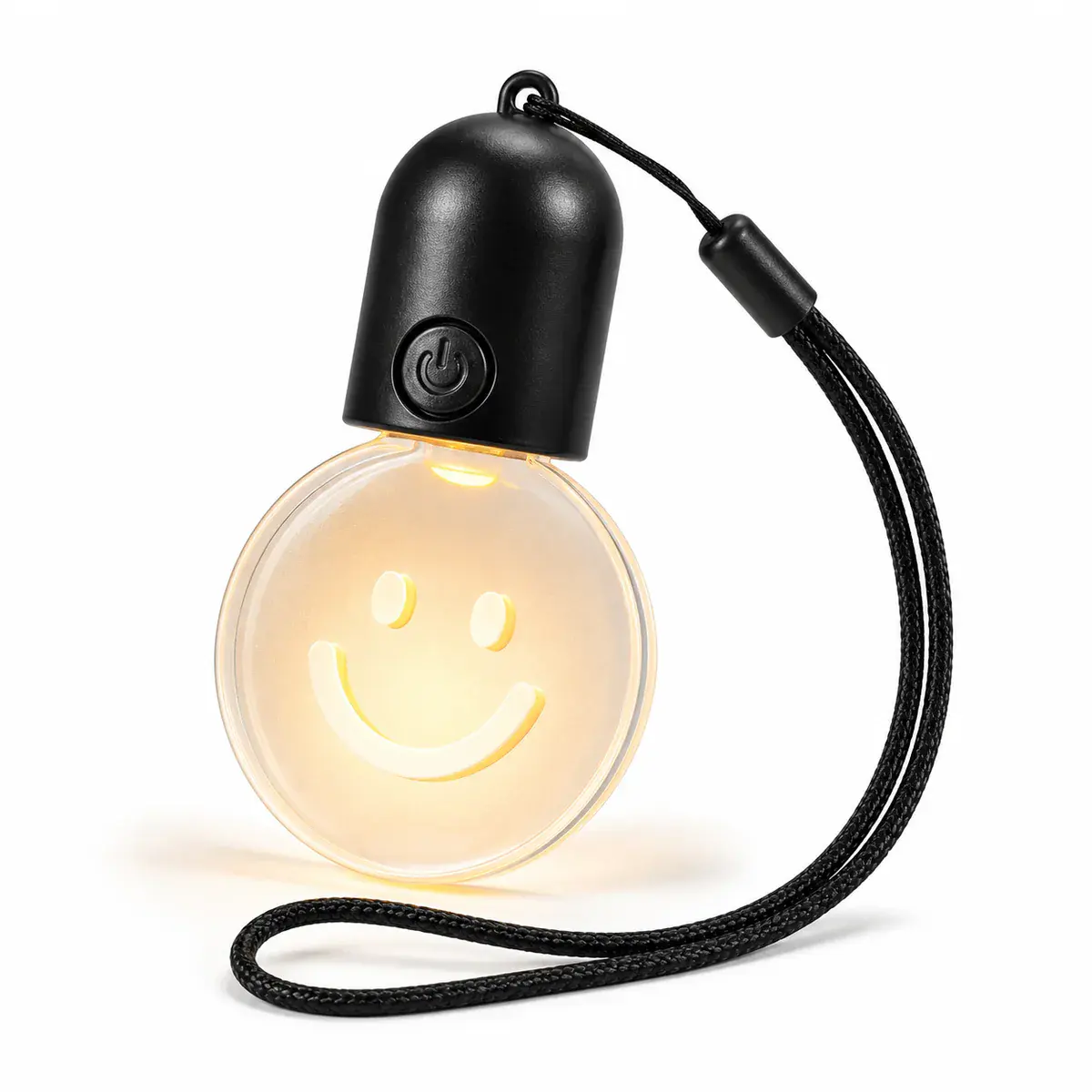 Rechargeable Round Acrylic Light-Up Keychain