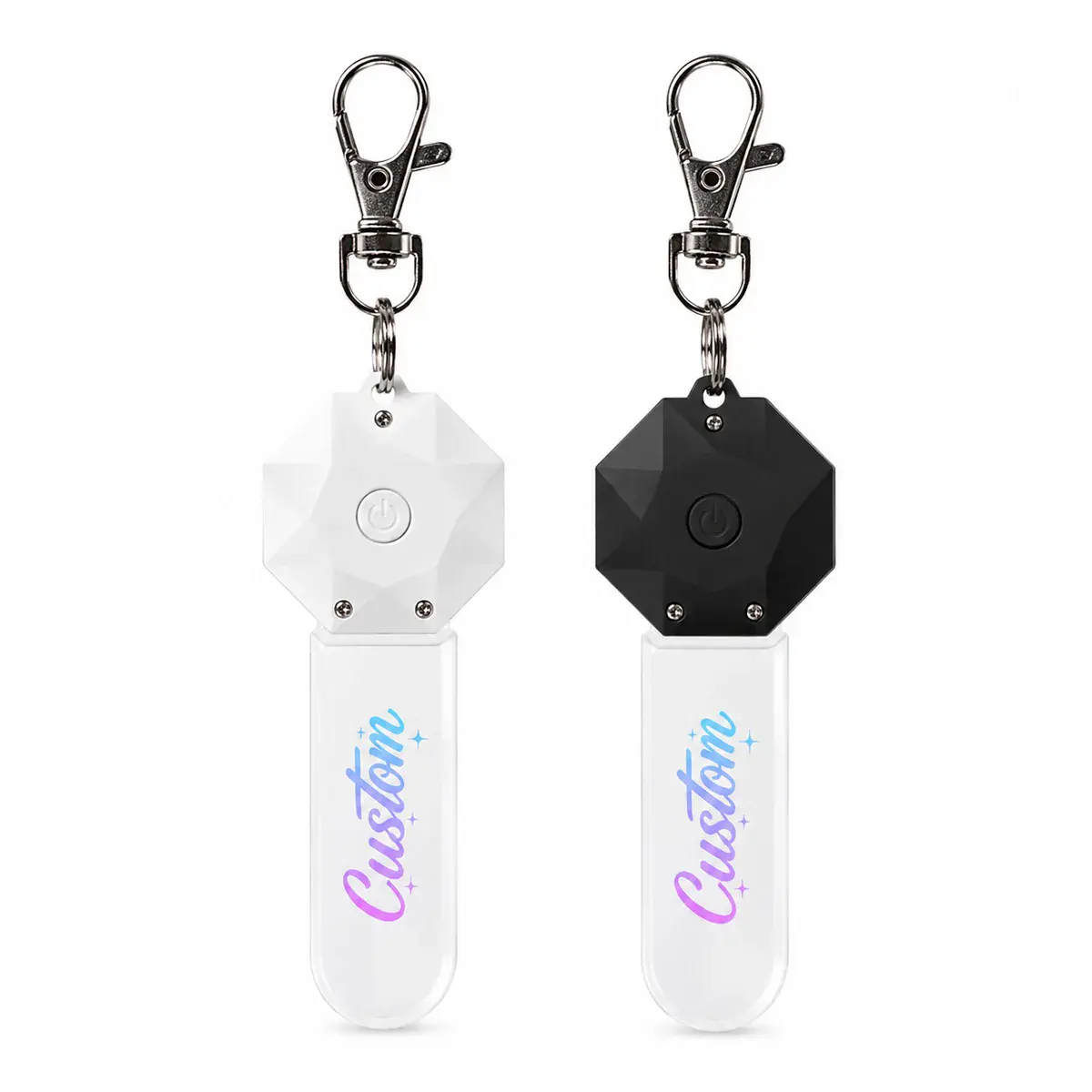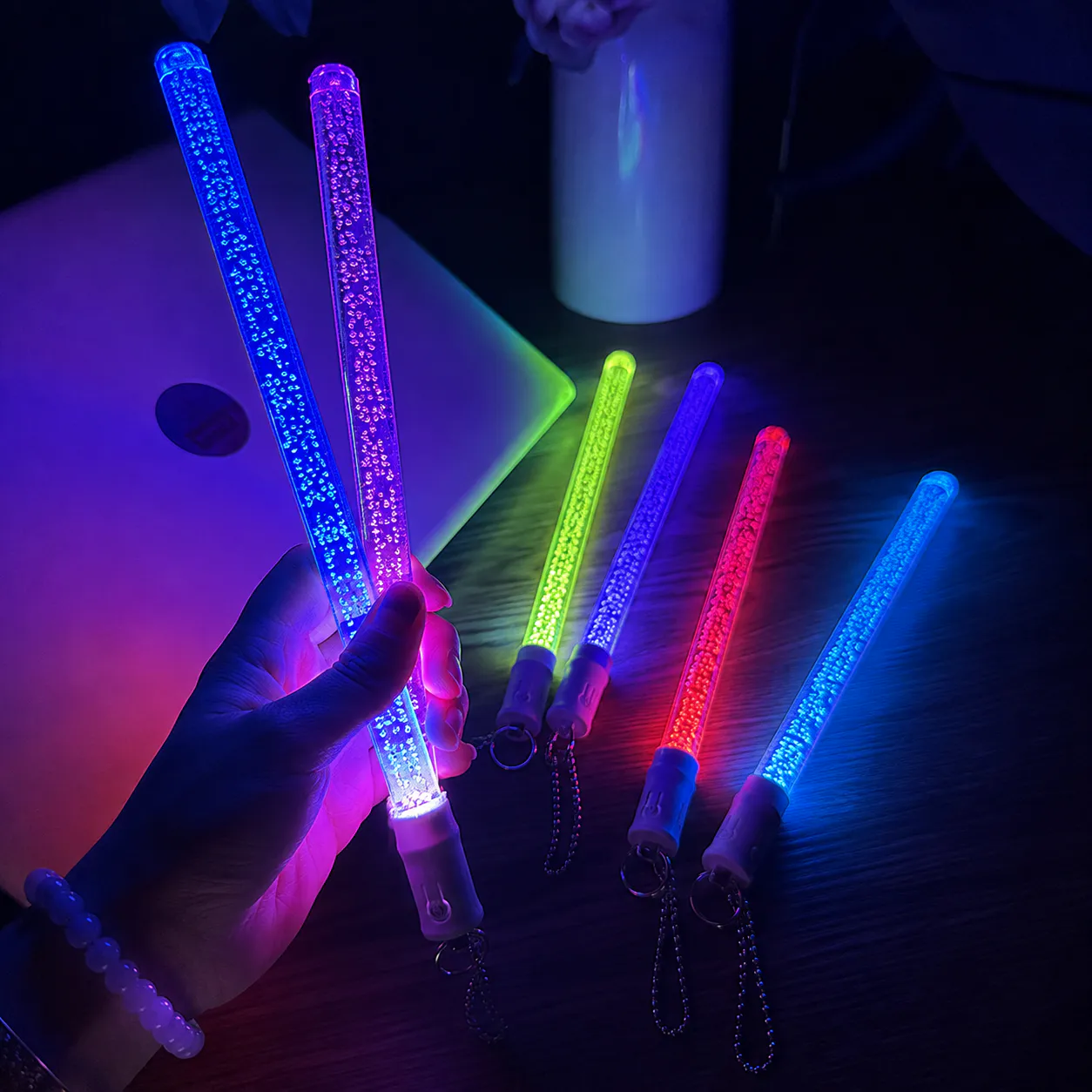
Design an illuminated acrylic business card around readable contact details, logo hierarchy, panel size and base or power format. Start with the Light-Up Acrylic Gifts within acrylic led business card design guide planningcollection, then connect the chosen platform to a controlled artwork, packaging and approval brief within the acrylic led business card design guide review.
Decisions to make before requesting a quote
| Decision | What the buyer should define |
|---|---|
| Content hierarchy | Rank name, role, logo and contact information. |
| Minimum detail | Test text and line weight at finished size. |
| Light treatment | Define engraved, printed or combined illuminated areas. |
| Format | Confirm freestanding, base-mounted or another approved construction. |
A business card layout does not automatically scale
Paper cards rely on fine print viewed at close range. An illuminated display may be seen from farther away and needs fewer, stronger elements.
Use a full-size artwork proof
Review exact spelling, QR size, edge clearance and seating area. A large screen preview can hide readability problems.
How to compare production partner responses — acrylic led business card design guide workflow
Compare quotations against the same product model, artwork version, included accessories, packing level and destination requirements. A lower unit price is not comparable when one quote omits the approved control method, protective insert, printed materials or individual packing for the acrylic led business card design guide decision path. Ask every supplier to separate standard-platform items from changes that require engineering review for the acrylic led business card design guide review.
Request supporting evidence at the level appropriate to the order: a dimensional drawing for fit, an artwork proof for position and spelling, a working sample for light and control behavior, and a packed sample when presentation or shipping protection matters. Record exceptions in the brief instead of relying on chat history within acrylic led business card design guide planning.
Sampling and approval sequence — acrylic led business card design guide workflow
Approve the standard product platform first. Next approve the visible treatment—shape, artwork, color and finish—before confirming packaging for the acrylic led business card design guide decision path. For personalized or multi-variant orders, approve one master layout and maintain a numbered schedule that connects each file to its quantity and packing identity within acrylic led business card design guide planning.
Changes to dimensions, tooling, electronics, materials or performance needs to follow the appropriate for the acrylic led business card design guide reviewcustom development solution within the acrylic led business card design guide workflow. Keeping Private Label, OEM / Build-to-Print and Full ODM Development routes separate makes cost, responsibility and lead-time discussions clearer within the acrylic led business card design guide decision path.
Information to include in the RFQ
- Final text and contact details
- Vector logo and brand references
- Finished dimensions
- Engraving and print map
- Power, base and packaging preference
Keep the approved model, artwork, power arrangement, accessories, labels and packaging in one version-controlled file. State quantity by version, destination market and required arrival date for the acrylic led business card design guide decision path. This gives the factory enough information to establish feasibility without changing the original product record or making unsupported assumptions within acrylic led business card design guide planning.
 RGB Acrylic LED Business Card
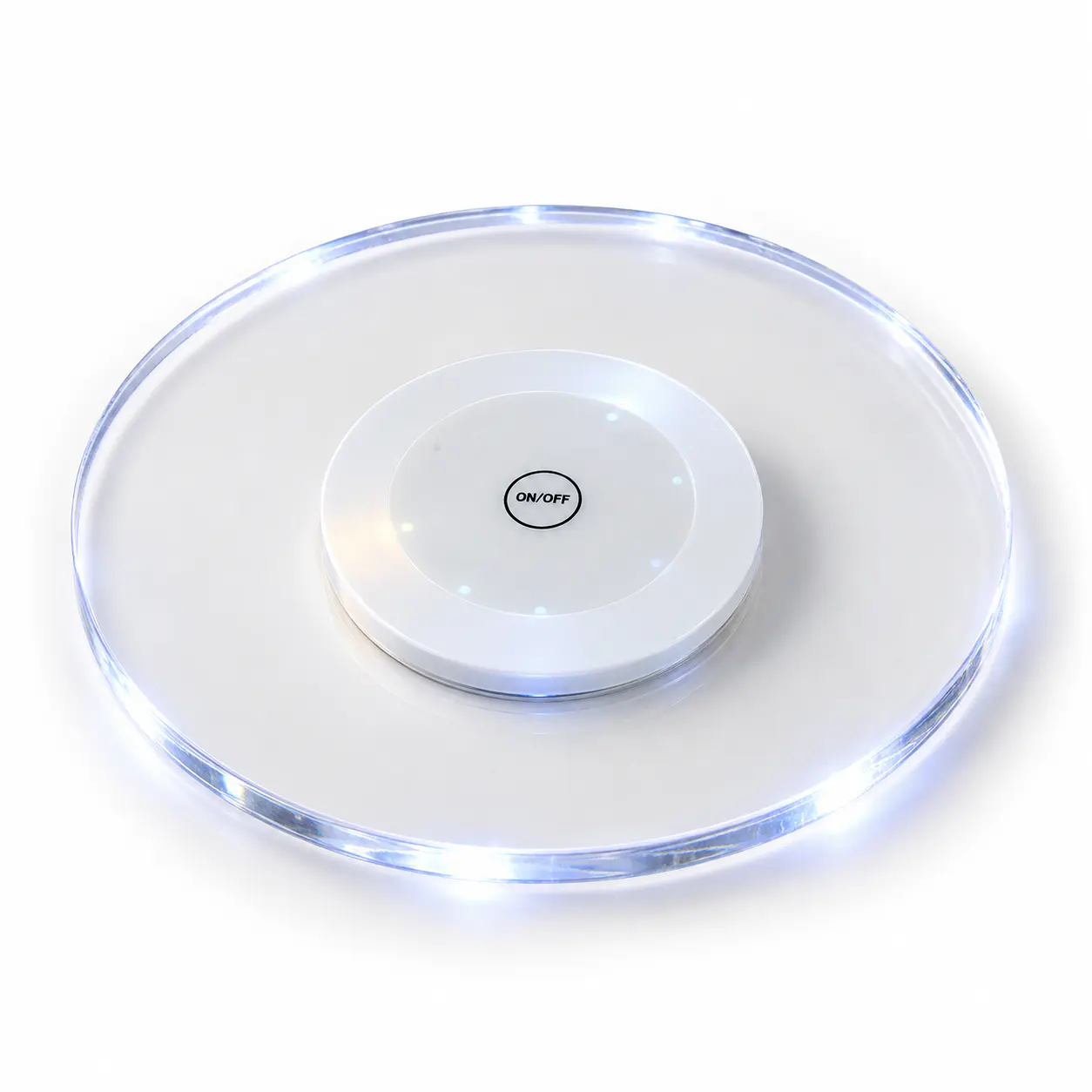 RGB Acrylic LED Coaster
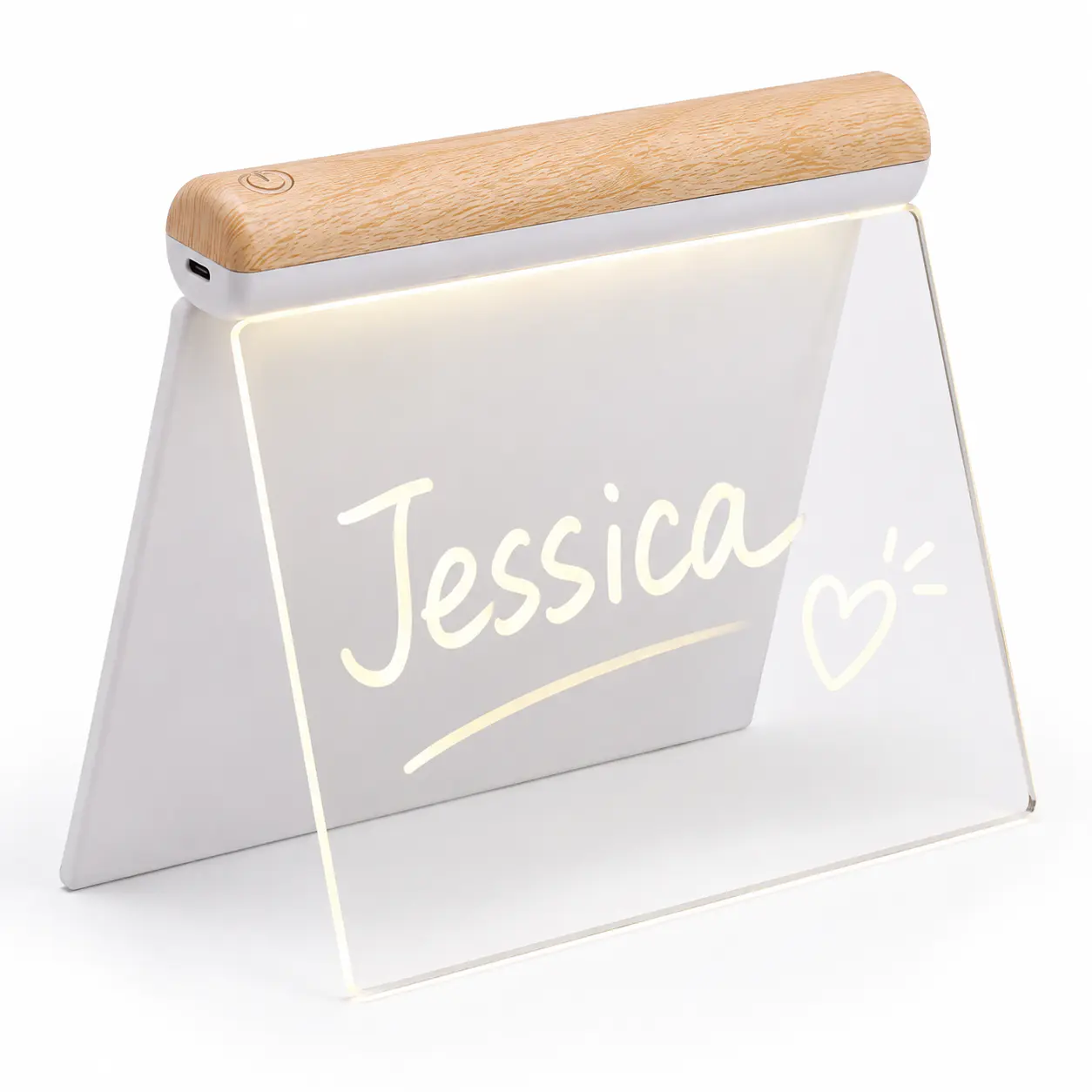 RGB Acrylic LED Writing Board with Wood Base