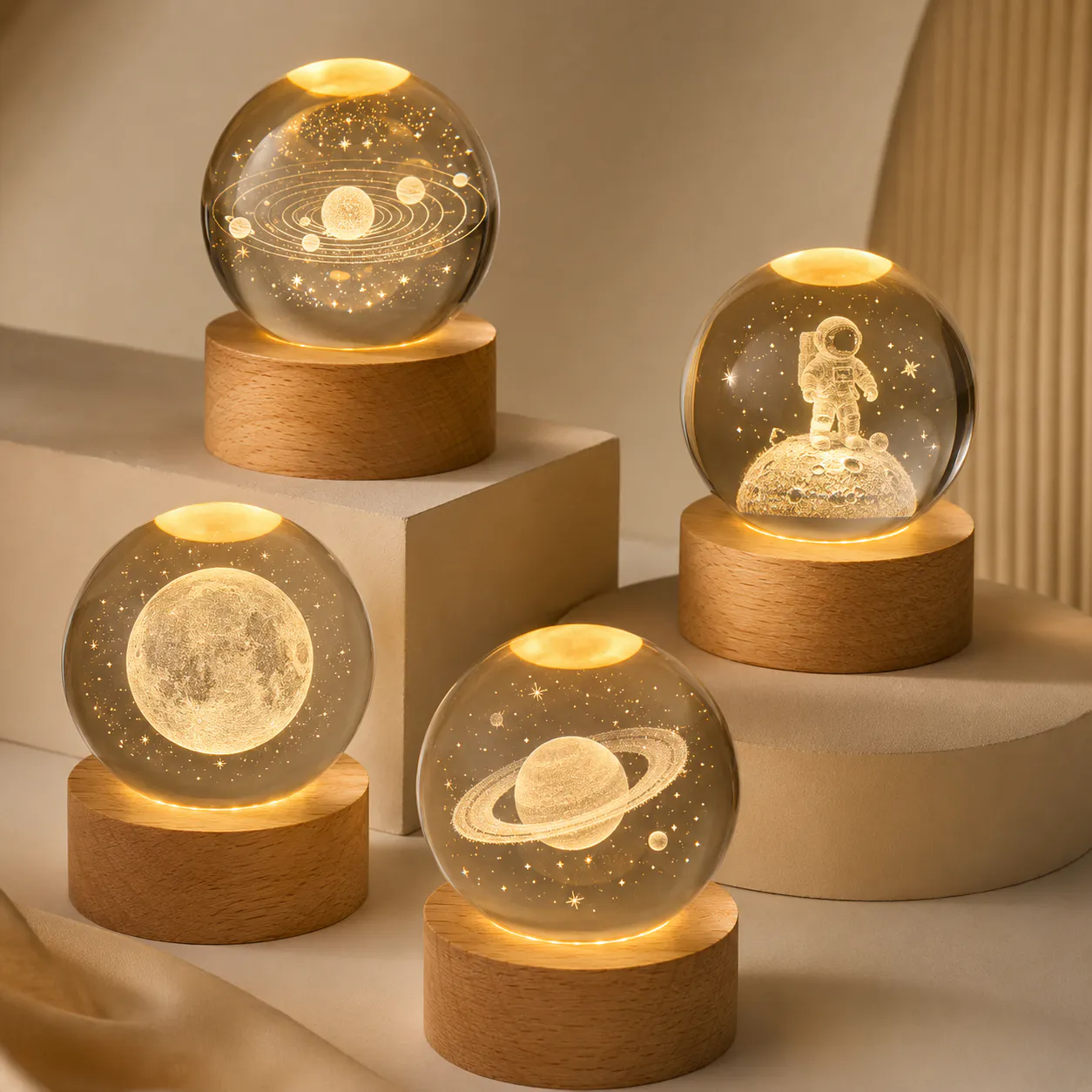
Compare 2D and 3D crystal engraving by source image, viewing angle, depth effect, text layout and approval method. Use the Crystal Night Lightscollection as a starting point, then confirm the exact model and requested changes before quotation.
Decisions to make before requesting a quote
| Decision | What to define |
|---|---|
| Source material | Identify whether the artwork is a logo, one portrait, several views or a supplied 3D file. |
| Viewing angle | Decide whether the result is mainly viewed from the front or should read from several angles. |
| Text | Keep names and messages separate from detailed faces or objects so both remain legible. |
| Approval proof | Confirm which render or sample represents position, scale and orientation before production. |
2D and 3D solve different presentation needs
A clear 2D image can be the best choice for logos, certificates, line art and front-facing portraits. A 3D treatment adds depth, but it also needs enough source information and internal crystal volume. More depth is not automatically more recognizable.
Judge the proof against the actual crystal
A screen render helps confirm composition but cannot fully represent reflections, edge highlights or every viewing angle. Review the proof with the selected crystal shape, base direction and intended display orientation in mind.
Information to include in the brief
- Original high-resolution files rather than social-media screenshots
- Front and side references if 3D conversion is requested
- Exact spelling and capitalization for text
- Marked front, top and preferred viewing angle
- Approved render version and crystal model
Keep the approved product, artwork, power arrangement, accessories and packaging in one version-controlled brief. If a requested change affects dimensions, tooling, electronics, materials or performance, treat it as an engineering check rather than assuming it belongs to the standard model within 2d vs 3d crystal engraving guide planning.