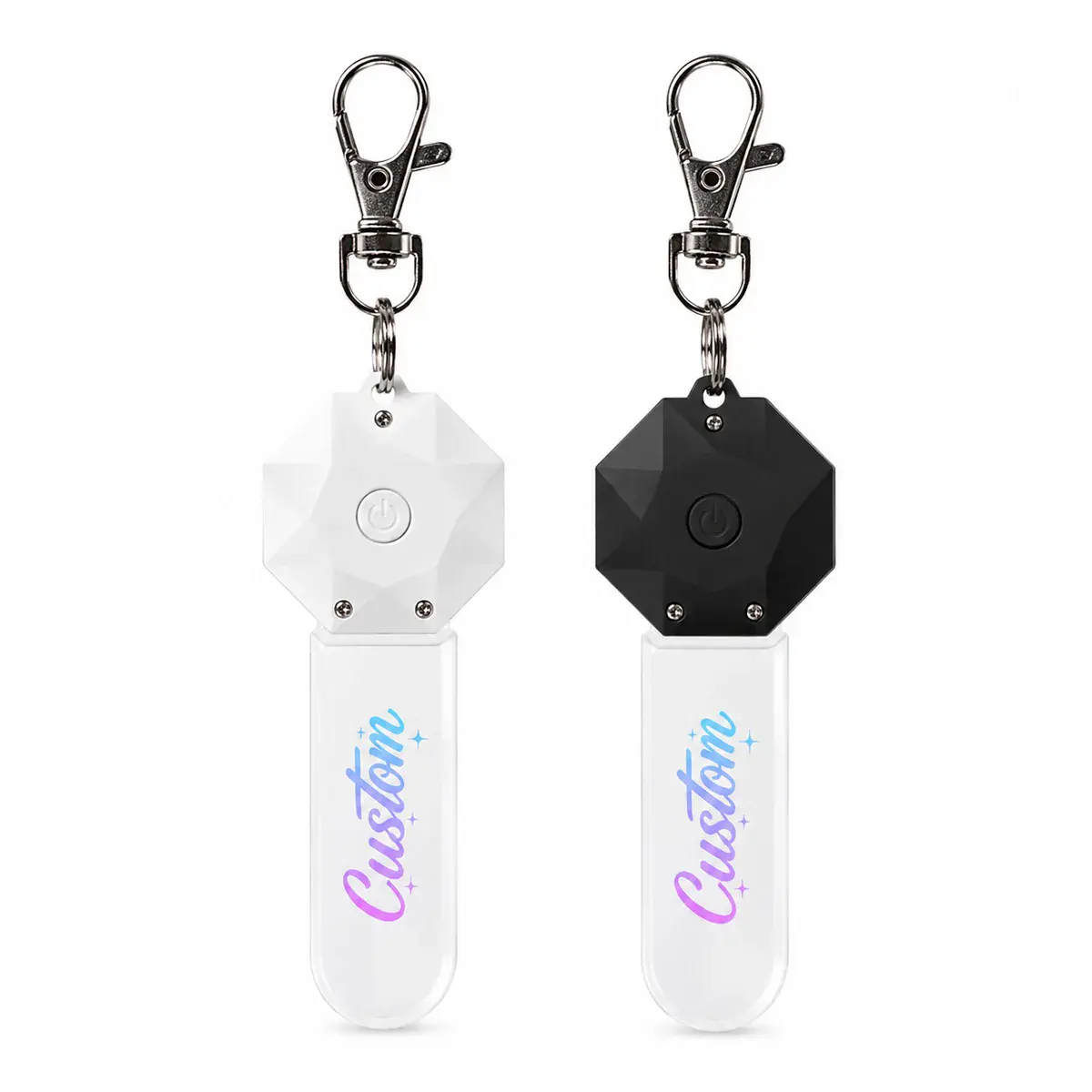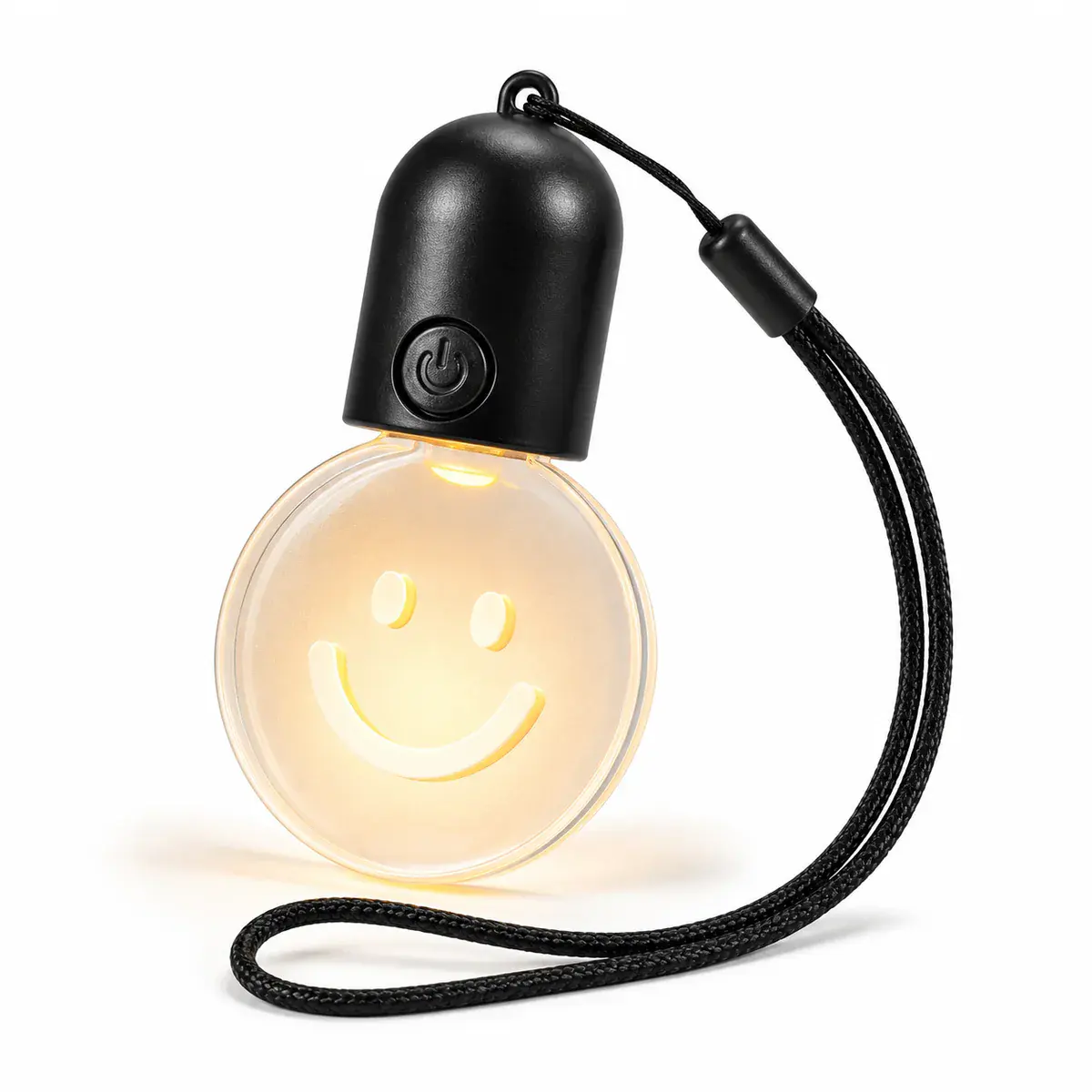
Make event-light logos, messages and color cues readable at the intended distance and under the actual venue lighting. Use the Party & Event Lightscollection as a starting point, then establish the exact model and requested changes before quotation.
Decisions to make before requesting a quote
| Decision | What to define |
|---|---|
| Message | Prioritize one logo, icon, short name or call to action. |
| Distance | Set minimum readable scale from the audience or camera position. |
| Contrast | Review lit and unlit appearance against venue light and surrounding colors. |
| Media capture | State whether photography or video appearance is important and test representative settings. |
Design for recognition before detail
At events, viewers are moving and often see the product briefly. A bold silhouette or short word can perform more clearly than fine brand guidelines copied unchanged onto a small surface.
Use a physical visibility review
Place the sample at the intended height and distance. Review direct viewing and camera capture, but do not assume one phone exposure represents every venue camera or lighting setup.
Information to include in the brief
- Primary logo or message
- Final product dimensions
- Audience and camera distance
- Venue colors and ambient light
- Approved light color and mode
Keep the approved product, artwork, power arrangement, accessories and packaging in one version-controlled brief. If a requested change affects dimensions, tooling, electronics, materials or performance, treat it as an engineering check rather than assuming it belongs to the standard model within the event light branding and visibility guide workflow.