Prepare layered artwork for a paper-cut light box with controlled depth, bridges, margins and assembly order. Start with the Light-Up Frames & Photo Lights within the paper-cut light box layer file guide workflowcollection, then connect the chosen platform to a controlled artwork, packaging and approval brief within paper-cut light box layer file guide planning.
Decisions to make before requesting a quote
| Decision | What the buyer should define |
|---|---|
| Layer map | Assign one file or clearly named group to every physical layer. |
| Cut bridges | Protect islands, thin lines and fragile connections. |
| Depth | Define spacers and the intended foreground-to-background effect. |
| Safe margin | Keep critical artwork clear of the frame and illuminated boundary. |
A screen illustration is not yet a production file
Overlapping colors can look correct on screen while producing disconnected paper pieces. The factory needs closed paths, layer order and a clear indication of cut versus retained areas.
Approve the silhouette in both light states
The layered scene should remain deliberate when the light is off and gain depth when illuminated. Check edge shadow, hot spots and any frame obstruction on the assembled sample.
How to compare supplier responses — paper-cut light box layer file guide planning
Compare quotations against the same product model, artwork version, included accessories, packing level and destination requirements. A lower unit price is not comparable when one quote omits the released control method, protective insert, printed materials or individual packing within the paper-cut light box layer file guide workflow. require every supplier to separate standard-platform items from changes that require engineering verify within the paper-cut light box layer file guide review.
Request evidence at the level appropriate to the order: a dimensional drawing for fit, an artwork proof for position and spelling, a working sample for light and control behavior, and a packed sample when presentation or shipping protection matters within the paper-cut light box layer file guide workflow. Record exceptions in the brief instead of relying on chat history within the paper-cut light box layer file guide workflow.
Sampling and approval sequence — paper-cut light box layer file guide workflow
Approve the standard product platform first. Next approve the visible treatment—shape, artwork, color and finish—before confirming packaging within the paper-cut light box layer file guide workflow. For personalized or multi-variant orders, approve one master layout and maintain a numbered schedule that connects each file to its quantity and packing identity for the paper-cut light box layer file guide review.
Changes to dimensions, tooling, electronics, materials or performance should follow the appropriate for the paper-cut light box layer file guide reviewcustom development solution within the paper-cut light box layer file guide review. Keeping Private Label, OEM / Build-to-Print and Full ODM Development routes separate makes cost, responsibility and lead-time discussions clearer within the paper-cut light box layer file guide review.
Information to include in the RFQ
- Vector artwork with named layers
- Final visible opening and frame size
- Layer order and spacer plan
- Paper color and light preference
- Full-size cut-file proof
Keep the approved model, artwork, power arrangement, accessories, labels and packaging in one version-controlled file. State quantity by version, destination market and required arrival date within paper-cut light box layer file guide planning. This gives the factory enough information to confirm feasibility without changing the original product record or making unsupported assumptions within paper-cut light box layer file guide planning.
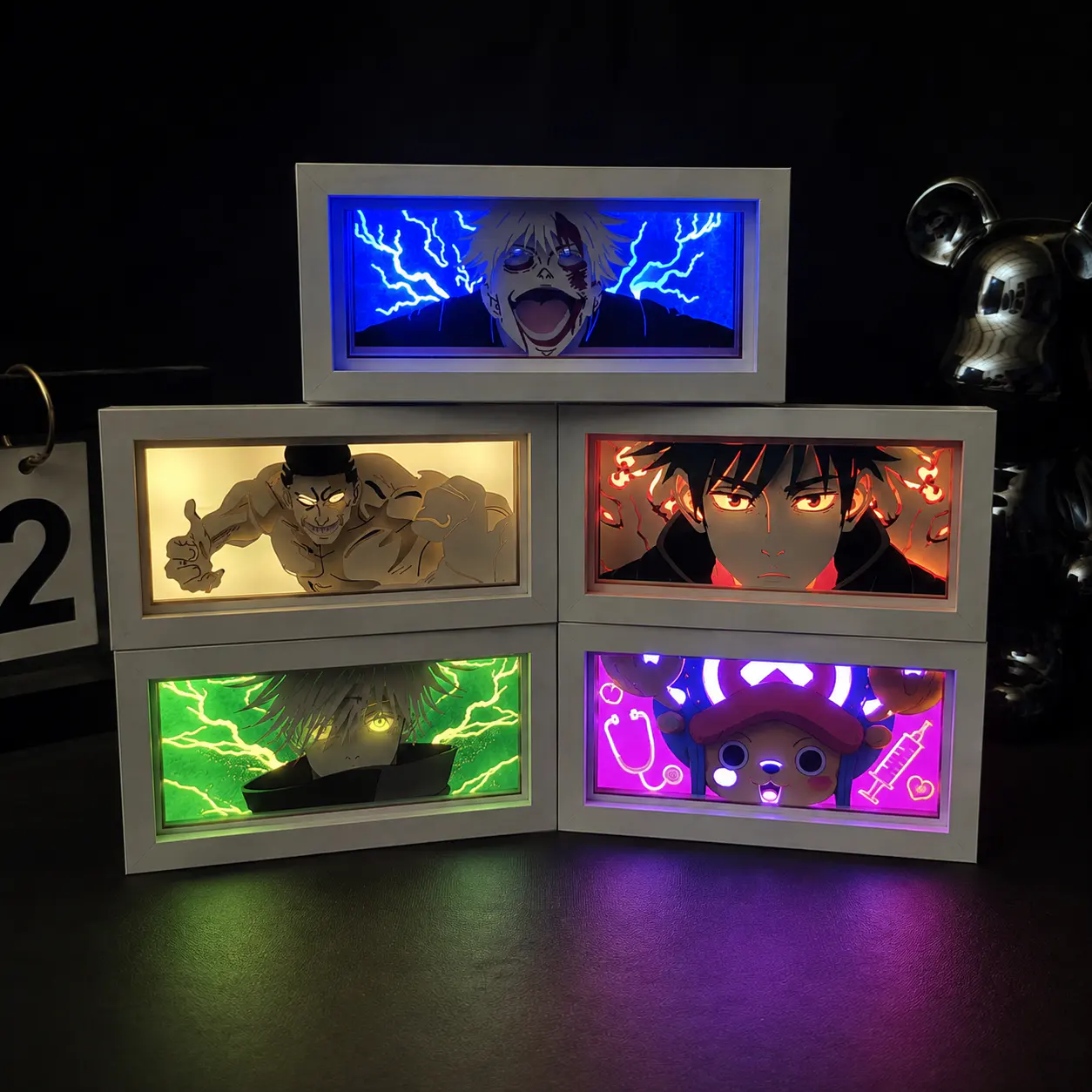 3D Paper Cut Light Box
 RGB Backlit Artwork Frame
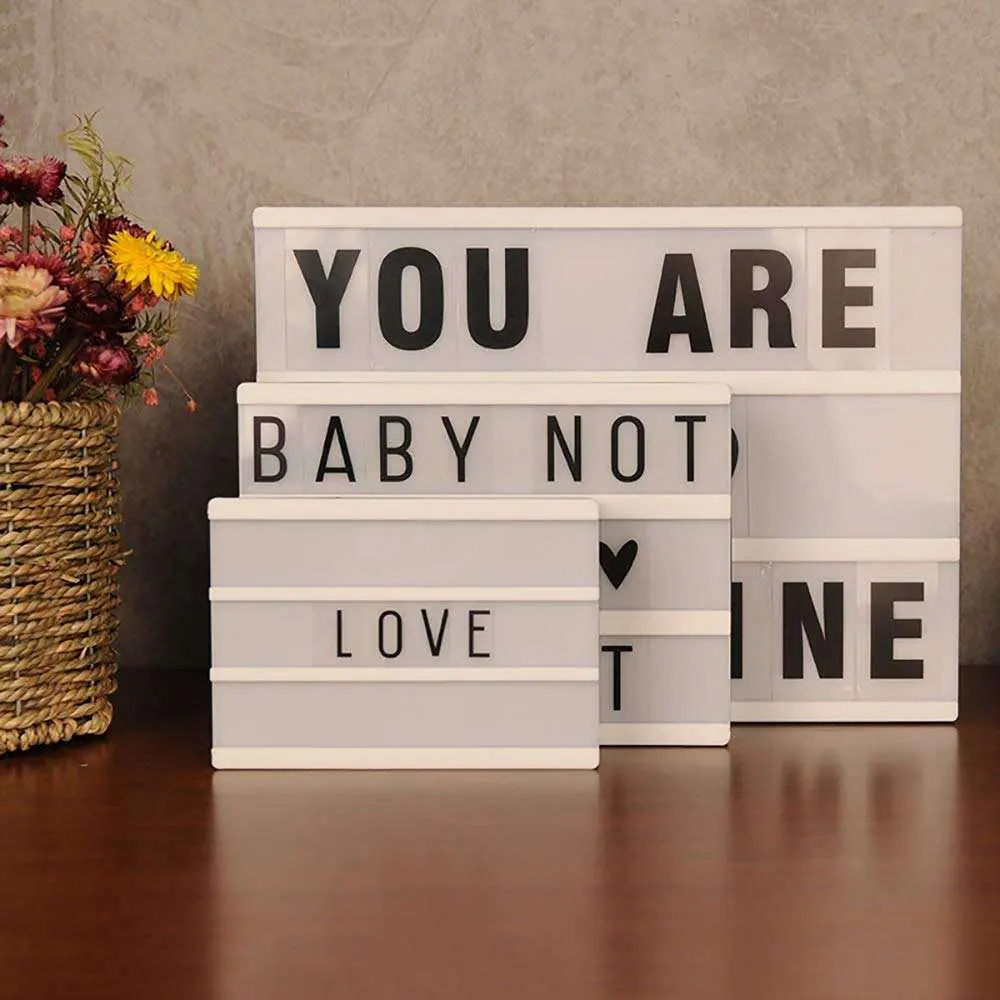 A4 Cinema Message Light Box